
7 Strategic Ways to Leverage Aircall.io for Your NZ Business in 2026
- 5 days ago
- 9 min read
In today's fast-paced environment, a disconnected communication stack creates friction for customers and drains productivity. For New Zealand businesses, unifying voice, messaging, and core applications like CRMs and work management platforms is essential for growth and efficiency. This guide explores seven strategic entry points into the aircall.io ecosystem, moving beyond a simple product tour to provide actionable analysis for operations, IT, and finance leaders. When considering essential tools for your operations, it's beneficial to explore various options and guides on efficient software for small businesses.
We will break down not just what Aircall is, but how to strategically implement its capabilities, from initial evaluation on the official site to deep integrations with tools like monday.com and HubSpot. For Wisely's clients, this is a blueprint for building a resilient, connected, and scalable communication infrastructure. It's designed to power smarter workflows and deliver measurable results through a unified hub.
1. Aircall (official site)
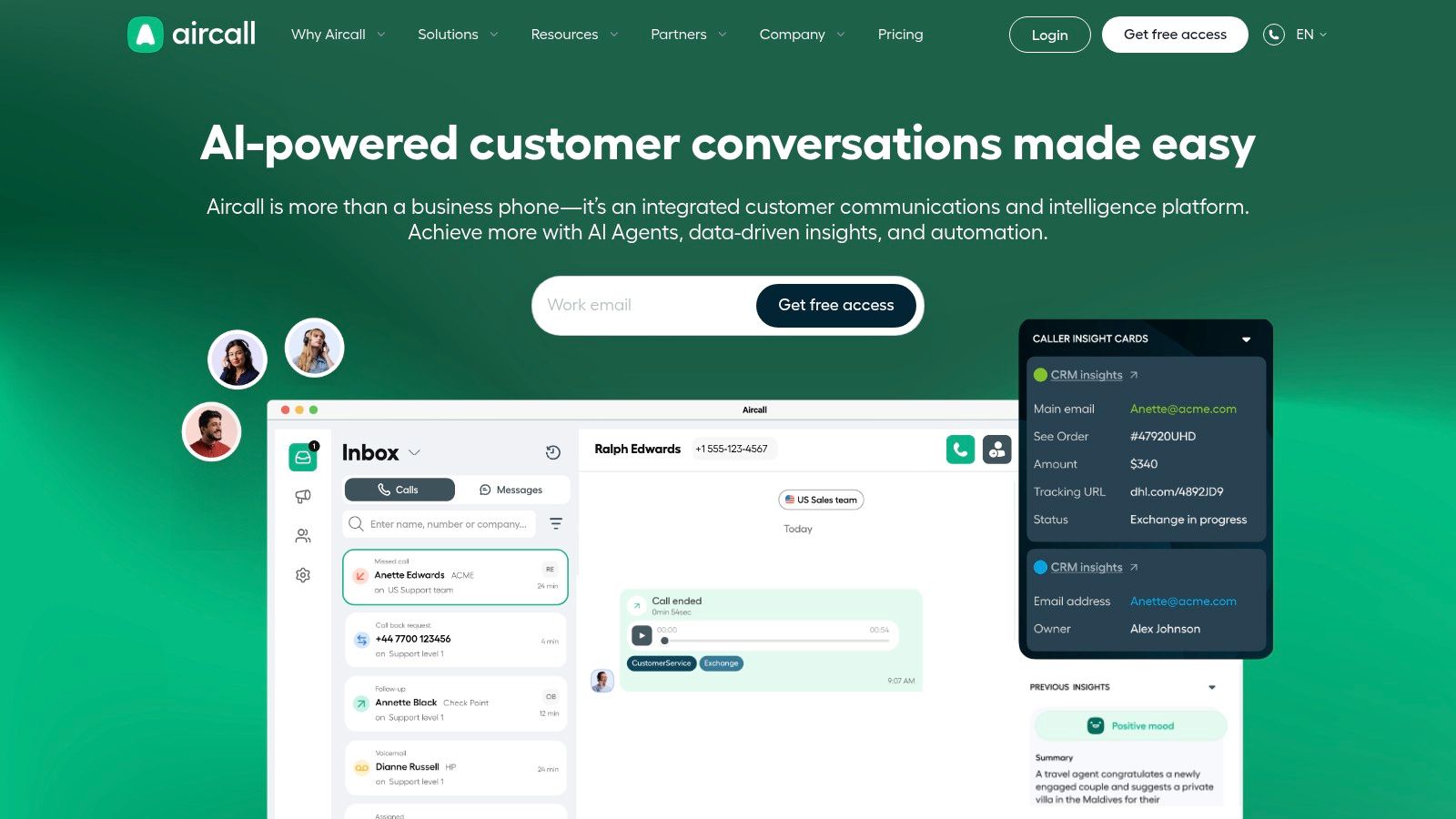
The official aircall.io website is the definitive starting point for any New Zealand business evaluating a modern, cloud-based phone system. It serves as the primary hub for product information, offering the most current details on platform capabilities, from core VoIP features to advanced AI agents and WhatsApp messaging integration. The site provides direct access to start a free trial or book a personalised demo, connecting you with sales and support teams who understand the local market.
Strategic Breakdown
For NZ businesses, the site’s key advantage is its region-specific guidance. It confirms the availability of local NZ numbers and details on APAC calling bundles, which is crucial for managing costs and establishing a local presence. This makes it an essential resource for organisations looking to consolidate their communications stack, a key consideration for the top IT services for small business in NZ. While detailed bundle pricing often requires a direct conversation with their sales team, the website provides a clear pathway to get a customised quote.
Actionable Takeaways
Trial First: Always start with the free trial to test call quality and the user interface with your team before committing.
Book a Demo for specifics: Use the demo booking feature to ask pointed questions about NZ-specific bundles, integration with your existing CRM (like HubSpot or Salesforce), and migration support.
Explore Integrations: Check the "Integrations" section to confirm compatibility with essential tools your business already uses, such as helpdesks or project management software.
Website: https://aircall.io/
2. Aircall Downloads (desktop, mobile, browser)
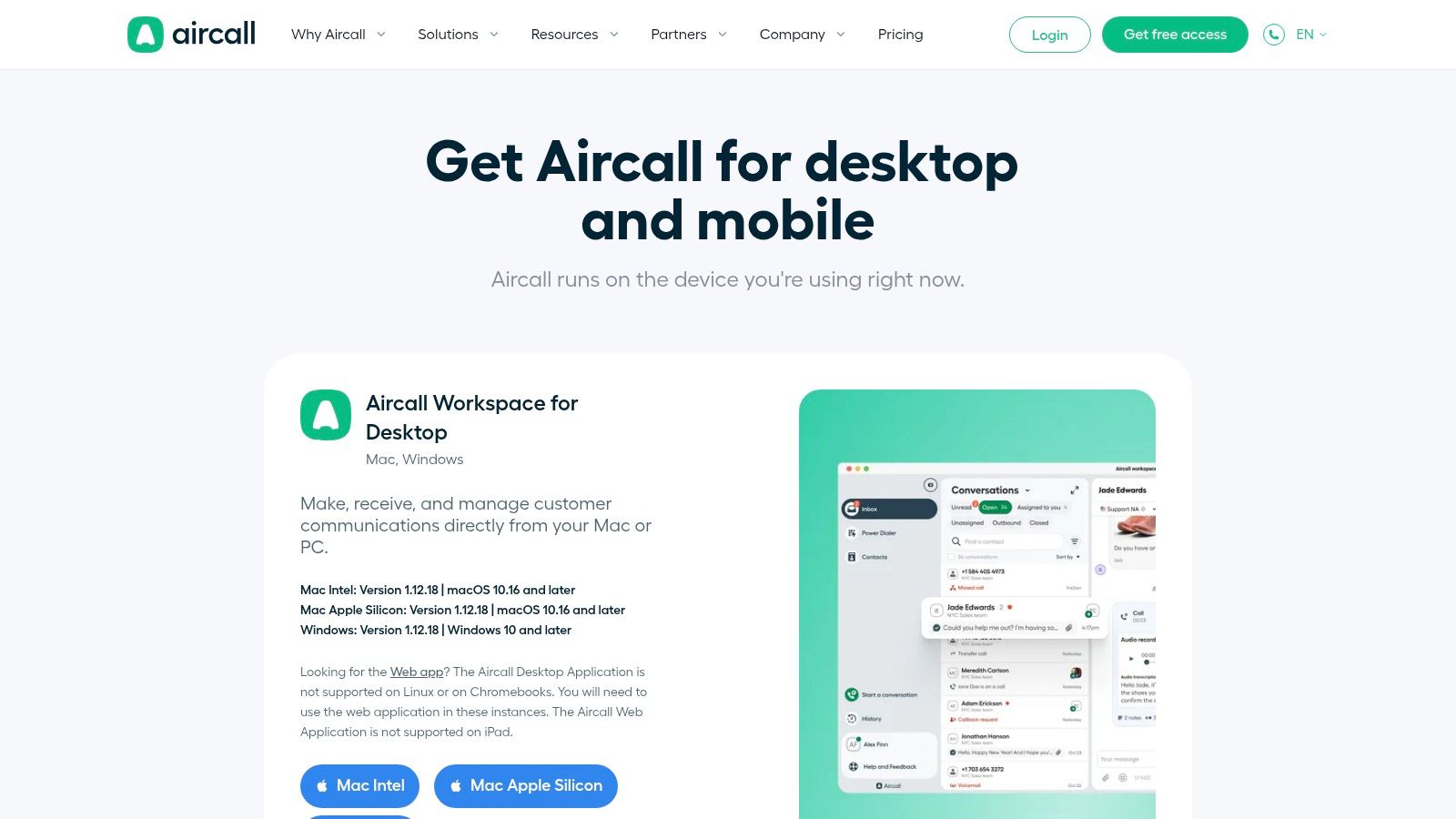
The aircall.io downloads page is the central deployment hub for organisations, providing direct access to all necessary software components. This page streamlines the rollout process by offering installers for the Aircall Workspace on Mac (both Intel and Apple Silicon) and Windows. It also provides clear links to the iOS and Android mobile apps and the browser-based Chrome extension, ensuring every team member can connect regardless of their preferred device.
Strategic Breakdown
For NZ businesses with managed IT environments, this page is indispensable. It provides access to MSI (Windows) and PKG (Mac) installers, which are essential for IT teams using Mobile Device Management (MDM) solutions to deploy software at scale. This simplifies security and version control across the organisation. The page also clearly outlines OS version requirements and guides users on unsupported platforms like Linux or Chromebooks towards the Web App, preventing compatibility issues and support tickets.
Actionable Takeaways
Use MDM Packages: For company-wide rollouts, direct your IT team to use the MSI and PKG installers for a controlled and efficient deployment.
Verify System Requirements: Before installation, check the OS and version requirements listed on the page to ensure compatibility and avoid performance problems.
Onboard Mobile Users: Share direct links to the iOS and Android apps with field staff or remote workers to get them connected quickly.
Website: https://aircall.io/download/
3. Google Play — Aircall mobile app (Android)
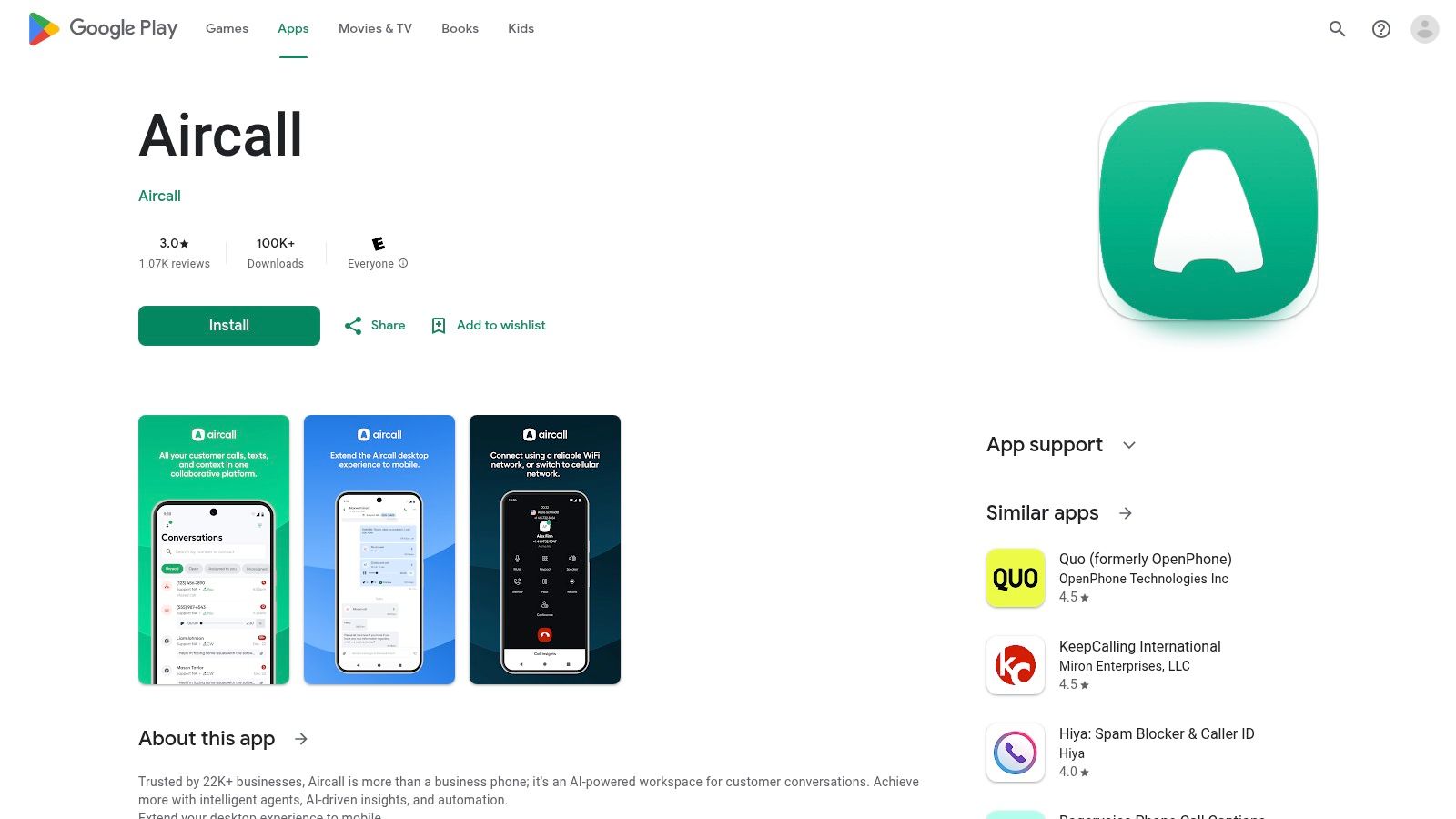
For New Zealand businesses with field teams or hybrid work models, the Google Play store is the official channel for deploying the aircall.io platform onto company mobile devices. This verified listing ensures secure and easy installation, providing a consistent user interface for making and receiving calls on the go. It allows employees to use their business line from their personal or company-owned Android smartphone, keeping professional and private communications separate.
Strategic Breakdown
The key advantage here is mobility and accessibility for teams that aren't tied to a desk. The app extends Aircall’s powerful features, such as call logging and CRM integration, directly to mobile workflows. While public reviews on the store sometimes note stability issues, Aircall actively provides best-practice guidance to optimise performance on mobile networks. For businesses considering mobile solutions, it's helpful to understand the key factors for developing an Android app to appreciate the complexities involved in maintaining performance across diverse devices and network conditions.
Actionable Takeaways
Review System Requirements: Before deploying, check that your company's Android devices meet the minimum requirements (Android 8.0+) listed on the Play Store page.
Test on Key Devices: Pilot the app with a small group of users on different Android models to test call quality and stability before a company-wide rollout.
Consult Best Practices: Search for Aircall’s official mobile best-practice guides to configure device settings for optimal call quality and battery life.
Website: https://play.google.com/store/apps/details?id=com.aircall
4. Apple App Store — Aircall (Mac app)
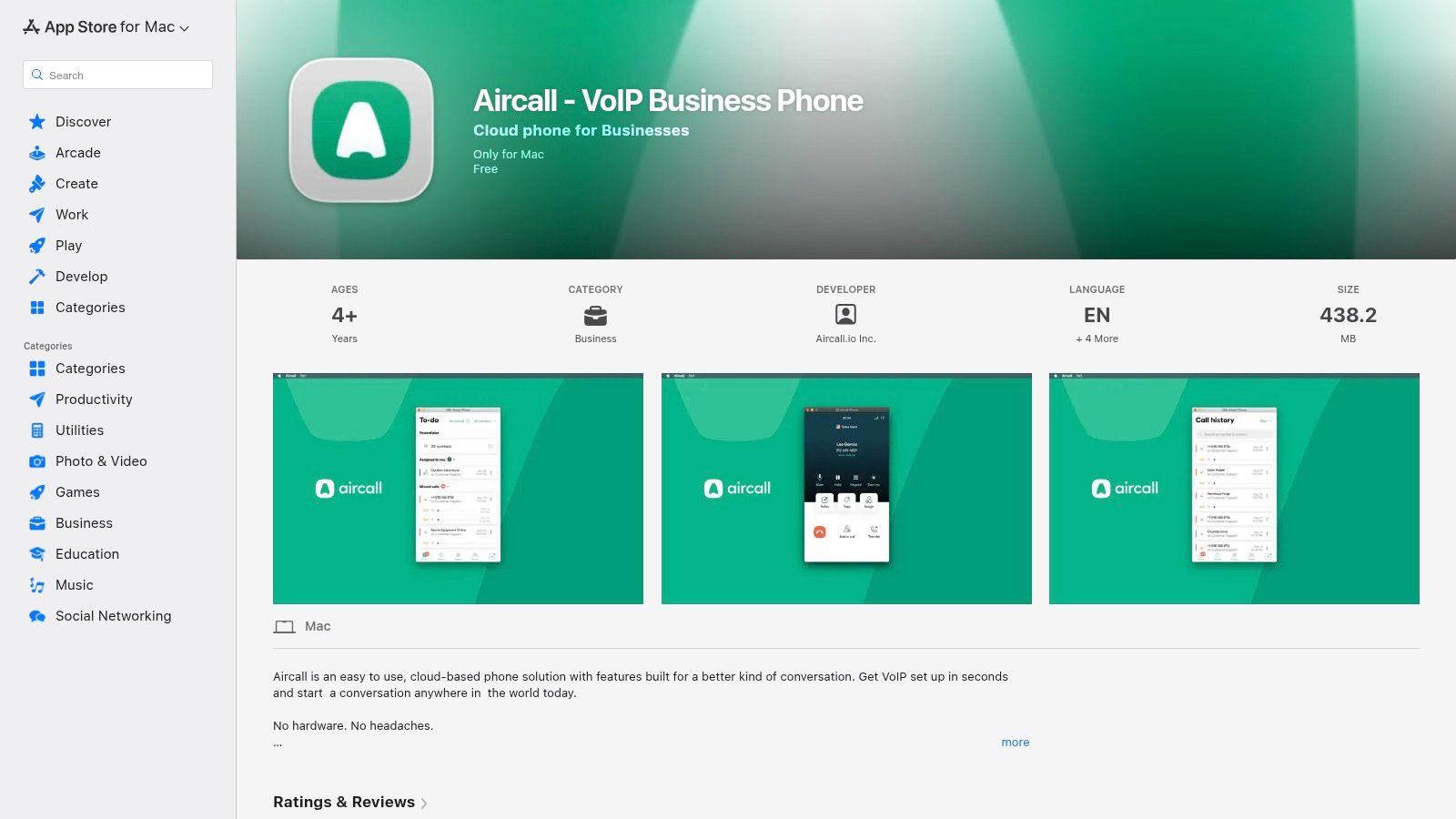
For New Zealand businesses operating within a macOS environment, the official Apple App Store listing provides a familiar and straightforward channel for deploying the aircall.io desktop client. This platform offers a trusted installation source, complete with transparent app privacy details, version history, and user reviews, which is valuable for IT teams conducting initial security and compatibility assessments. It streamlines the installation and update process for individual users, leveraging Apple's established ecosystem.
Strategic Breakdown
The key advantage of the App Store listing is its role in centralised governance for IT administrators. For organisations using Apple Business Manager, the Aircall app can be procured and distributed efficiently across multiple devices, simplifying software management. However, it's important to note that Aircall also provides PKG installers directly from its website, which many IT managers prefer for managed deployments using Mobile Device Management (MDM) solutions. This direct-download option often provides more granular control than the App Store channel.
Actionable Takeaways
Review App Privacy: Use the App Store's "App Privacy" section to quickly assess the data Aircall collects, a crucial step for compliance checks.
Check for Managed Deployments: If your organisation uses an MDM solution, consult your IT team to determine if deploying via the App Store or using the direct PKG installer from aircall.io is the preferred method.
Monitor Version History: The version history log on the App Store page is useful for tracking recent updates, bug fixes, and feature releases without needing to install the app first.
Website: https://apps.apple.com/us/app/aircall-voip-business-phone/id1511741985
5. HubSpot App Marketplace — Aircall for Calling & SMS
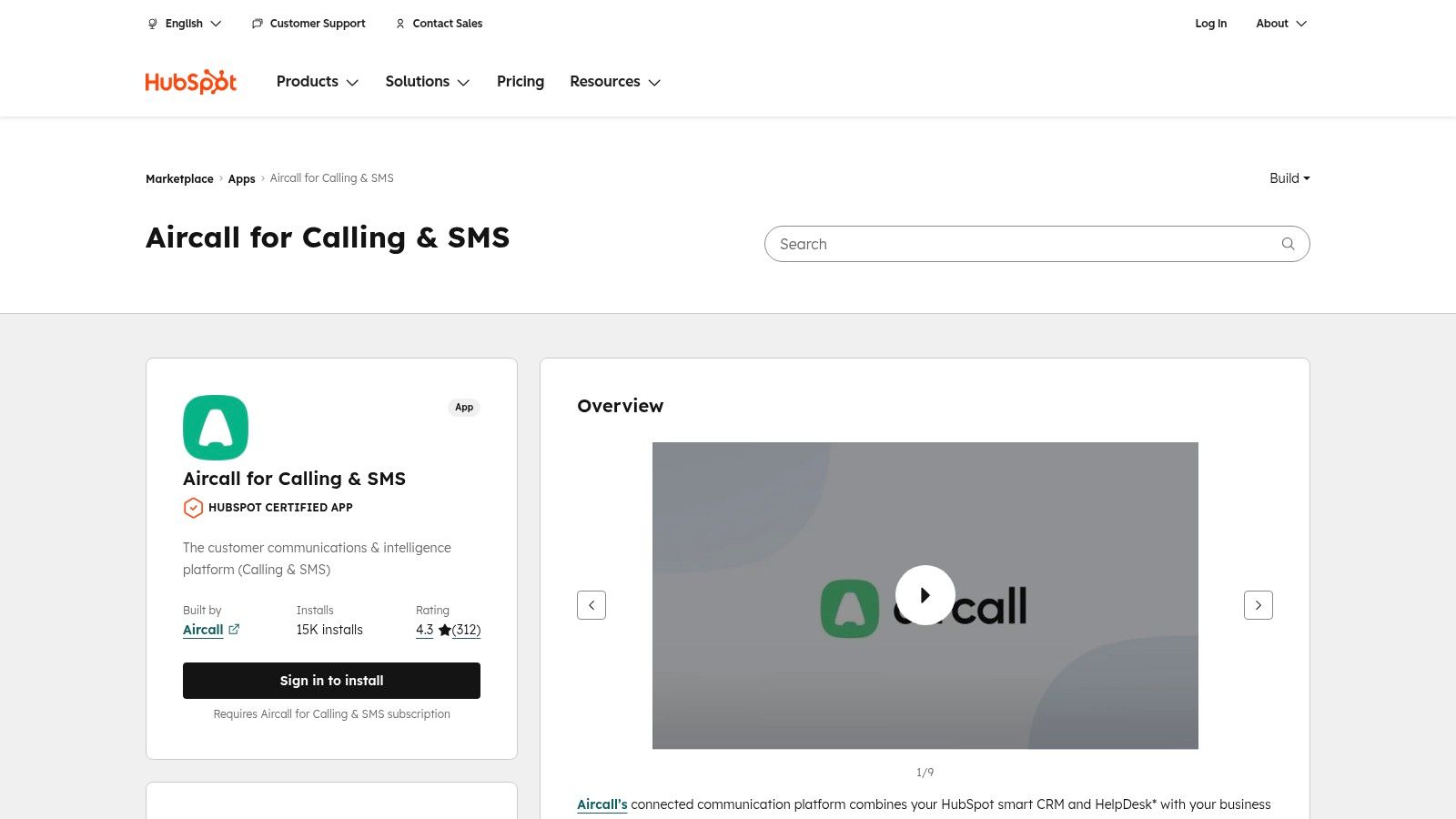
For New Zealand businesses running their sales and service operations on HubSpot, the official aircall.io integration page on the App Marketplace is a critical resource. It provides a centralised location to understand how Aircall’s CTI (computer-telephony integration) connects directly with your CRM. The page transparently details features like automated call logging, click-to-dial functionality, and call transcriptions, all designed to live inside the HubSpot contact record, providing a single source of truth for all customer interactions.
Strategic Breakdown
The key advantage of this marketplace listing is the confidence it provides. It shows user ratings, the number of installs, and clear feature breakdowns, allowing teams to verify the integration’s quality and adoption rate before committing. For NZ sales teams, this means less time on manual data entry and more accurate reporting, a vital factor when evaluating the best CRM software for small business in NZ. While an active Aircall subscription is required, the page clarifies all prerequisites and provides a direct path to install, streamlining the entire setup process.
Actionable Takeaways
Verify Feature Tiers: Carefully review which Aircall features (like call transcription or analytics) are available on different HubSpot subscription tiers to ensure alignment.
Check User Reviews: Read recent reviews from other HubSpot users to understand common use cases, potential challenges, and tips for a smooth implementation.
Prepare for Installation: Before clicking "Install," ensure you have administrator access to both your HubSpot and aircall.io accounts to authorise the connection.
Website: https://ecosystem.hubspot.com/marketplace/apps/aircall
6. monday.com — The Aircall app (installation guide)
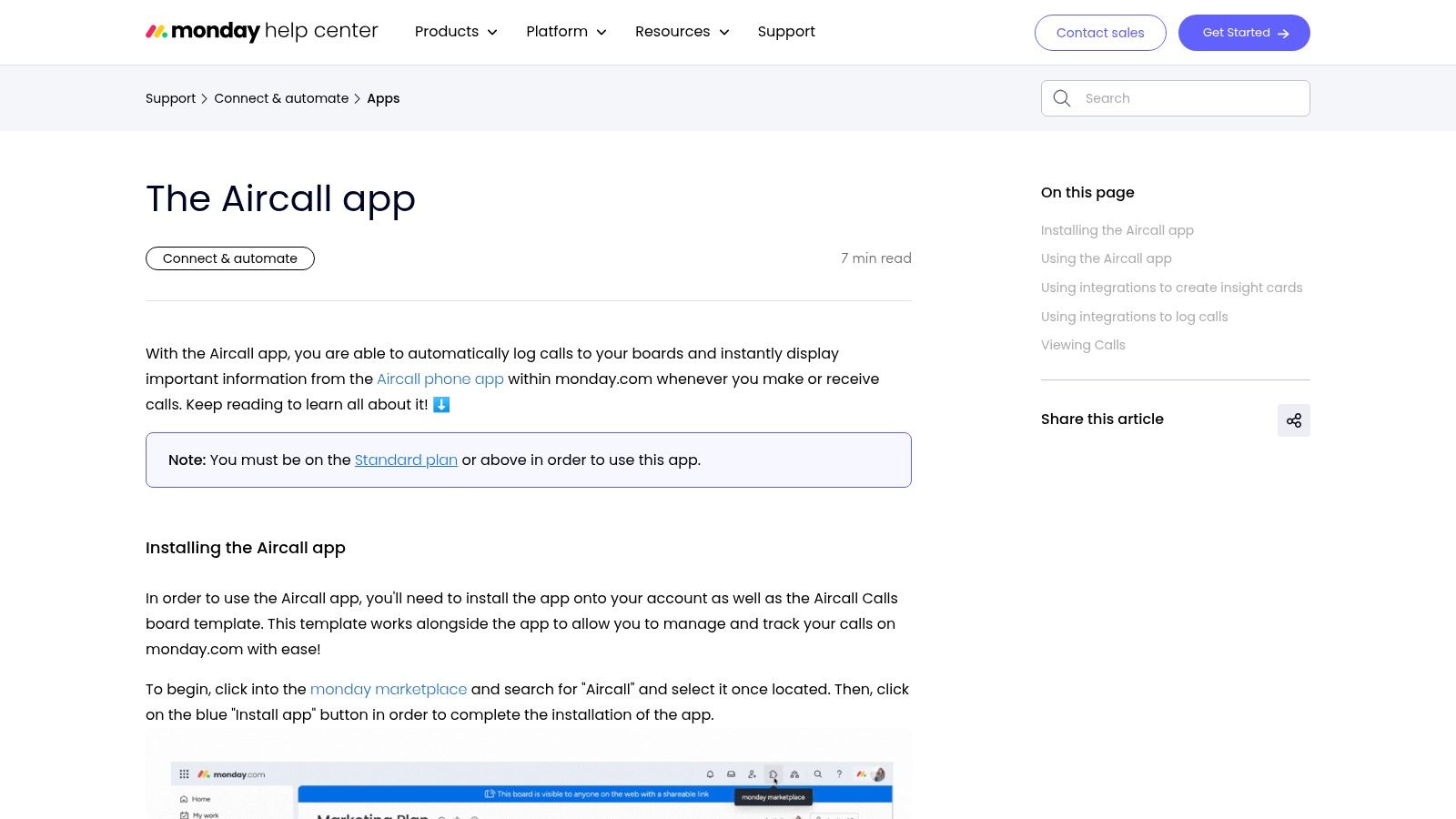
For teams building their workflows on monday.com, this official support article is the go-to resource for integrating aircall.io directly into your work management platform. It provides a detailed, step-by-step walkthrough for installing the Aircall app from the monday.com marketplace. The guide also introduces the "Aircall Calls" board template, designed to automatically log calls and surface critical call data within your existing project boards, making communication insights visible to the entire team.
Strategic Breakdown
The key advantage of this integration is its ability to embed communication data directly into operational workflows. For NZ businesses using monday.com as their central work OS, this eliminates the need to switch between applications to track client interactions. The guide clearly outlines the requirements, an active Aircall subscription and a monday.com Standard plan or higher, ensuring teams can confirm eligibility before starting. By linking call logs to tasks and projects, businesses can achieve a unified view of client engagement, a core benefit highlighted by expert monday.com partners.
Actionable Takeaways
Verify Your Plan: Before you begin, confirm you have a Standard, Pro, or Enterprise monday.com plan to ensure access to the app marketplace.
Use the Template: Start with the "Aircall Calls" board template to quickly set up call logging and avoid building complex automations from scratch.
Customise Recipes: Explore the integration recipes to automatically create new items or update statuses on your boards based on call activity from aircall.io.
Website: https://support.monday.com/hc/en-us/articles/5734277062930-The-Aircall-app
7. Zendesk Marketplace — Aircall for Sell (and Aircall for Support)
For NZ businesses already embedded in the Zendesk ecosystem, the official Zendesk Marketplace is the go-to resource for integrating aircall.io. The listings for Aircall for Sell and Aircall for Support provide a direct, trusted pathway to connect your phone system with your customer service and sales platforms. This integration embeds the Aircall dialler directly into the Zendesk interface, enabling features like click-to-call and automatic logging of all call activities against customer tickets or sales leads.
Strategic Breakdown
The key advantage of using the Zendesk Marketplace is streamlined implementation and reliability. The platform offers detailed setup guides, compatibility notes, and user reviews, which helps IT managers assess the integration's fit and reduces administrative effort. For sales and support teams, this creates a single source of truth, eliminating the need to switch between apps and ensuring all client interactions are captured accurately. While an Aircall subscription is required, the marketplace provides a clear process for connecting the two systems seamlessly.
Actionable Takeaways
Review Technical Requirements: Before installing, check the detailed compatibility notes on the listing to ensure your Zendesk plan and browser (CTI requirements) are supported.
Plan for Licensing: Be aware that using the CTI integration may require an additional Zendesk Talk – Partner Edition licence for each user, so factor this into your budget.
Leverage User Reviews: Read the reviews from other businesses to gather insights into the real-world performance and potential challenges of the integration.
Website: https://www.zendesk.com/marketplace/apps/sell/237375/aircall-for-sell/
Aircall: Apps, Downloads & Integrations
Source | Implementation (🔄) | Resource requirements (💡) | Expected outcomes (⭐📊) | Ideal use cases (⚡) | Key advantages |
|---|---|---|---|---|---|
Aircall (official site) | Low — info, trials, demos | Contact/sales access; browser | Full product overview, trial/demo access ⭐📊 | Evaluate platform, confirm regional availability | Most up-to-date features; direct sales & support |
Aircall Downloads (desktop, mobile, browser) | Medium — IT deployment via installers | Admin/MDM for MSI/PKG; supported OS versions | Rapid, managed client rollouts across devices ⭐📊 | Enterprise deployments, managed fleets | Managed installers and clear OS guidance |
Google Play — Aircall mobile app (Android) | Low — standard app install | Android 8.0+ devices; Aircall account | Mobile calling for field/hybrid teams ⭐📊 | Field teams, mobile-first users | Easy installs/updates; published best-practices |
Apple App Store — Aircall (Mac app) | Low–Medium — App Store or direct PKG | macOS devices; Apple Business Manager optional | Mac desktop client availability; app privacy/version detail ⭐📊 | macOS-centric environments, IT reviews | Familiar macOS workflow; centralized governance |
HubSpot App Marketplace — Aircall for Calling & SMS | Medium — marketplace integration/config | Active Aircall subscription; HubSpot account/plan | CTI, call logging, transcription inside HubSpot ⭐📊 | Sales/support teams using HubSpot CRM | Deep native integration; marketplace ratings & installs |
monday.com — The Aircall app (installation guide) | Medium — install + board configuration | Aircall subscription; monday.com Standard+ plan | Call data surfaced in boards; workflow alignment ⭐📊 | Teams embedding call data into work management | Step-by-step setup; templated board integration |
Zendesk Marketplace — Aircall for Sell/Support | Medium–High — install + CTI/browser config | Aircall subscription; Zendesk (Talk/license may be required) | Embedded calling, click-to-call, automatic logging ⭐📊 | Support and sales teams on Zendesk | Trusted marketplace listing; detailed setup guidance |
Your Next Steps: Building a Connected Communication Strategy with Aircall and Wisely
Throughout this guide, we've explored how aircall.io is much more than a cloud-based phone system. It’s a central nervous system for your customer conversations, transforming voice interactions from isolated events into rich, actionable data points within your most critical business platforms.
We've analysed its deep integration capabilities with essential tools like monday.com, HubSpot, and Zendesk. The strategic advantage isn't just about making calls; it's about automating manual data entry, providing your teams with immediate context for every interaction, and generating unified analytics that reveal the true story of your customer journey. By connecting Aircall to your CRM or work OS, you empower your sales and support teams to deliver a more personalised and efficient service, directly impacting customer satisfaction and your bottom line.
Your Actionable Path Forward
To truly leverage the power of Aircall, your focus should shift from features to workflows. Before implementation, ask your teams these critical questions:
Identify Friction Points: Which manual logging tasks after a call or SMS are currently slowing down your sales or support teams?
Locate Information Gaps: Where does a lack of immediate context during a live call create a poor customer experience?
Define Success Metrics: How will we measure the impact of streamlined communications? Will it be faster ticket resolution, increased sales conversion rates, or higher agent productivity?
Answering these questions will provide a clear roadmap. It ensures you select the right Aircall integrations and configure them to solve tangible business problems from day one. Choosing aircall.io is a strategic decision to build a more connected and intelligent operational framework for your organisation. This approach moves you beyond simply adopting new technology and towards architecting a system that actively drives business growth and operational excellence.
Ready to architect a communication system that scales with your business? As certified monday.com implementation partners, Wisely specialises in integrating powerful tools like Aircall into customised, automated workflows that drive efficiency for New Zealand organisations. Contact Wisely today to design and build a technology stack that works for you.