In a growing business, undocumented workflows and inconsistent procedures can quickly lead to operational chaos. Bottlenecks emerge, tasks are duplicated, and team members are left guessing about the correct way to get things done. This is where the right business process mapping tools become indispensable, transforming vague, tribal knowledge into clear, actionable visual diagrams. A well-defined process map is the foundation for optimising your operations, ensuring every team member understands their role and how their work contributes to the bigger picture.
This comprehensive guide is designed to help you navigate the crowded market and select the ideal platform for your specific needs. We’ve analysed the top 12 tools, from specialised BPMN software like Nintex Process Manager to versatile visual collaboration platforms like Lucidchart and Miro. For each tool, we provide a concise summary, key features, pricing information, and honest pros and cons. You'll find screenshots and direct links to help you evaluate each option thoroughly.
Our goal is to cut through the marketing noise and give you the practical insights needed to make an informed decision. Whether you are a small business looking to formalise your first processes, an IT manager integrating workflows with platforms like monday.com, or an operations leader aiming to streamline business processes across your entire organisation, this list has you covered. By understanding the capabilities and limitations of each tool, you can confidently choose the solution that will bring clarity, consistency, and efficiency to your business.
1. Nintex Process Manager (formerly Promapp)
Nintex Process Manager, widely recognised in New Zealand and Australia by its former name Promapp, stands out as a purpose-built platform for comprehensive process governance. Unlike general-purpose diagramming or whiteboarding applications, it is designed from the ground up to create a centralised, auditable process library. This focus makes it one of the premier business process mapping tools for organisations that require strict version control, clear ownership, and robust change management workflows, particularly in regulated industries like finance or healthcare.
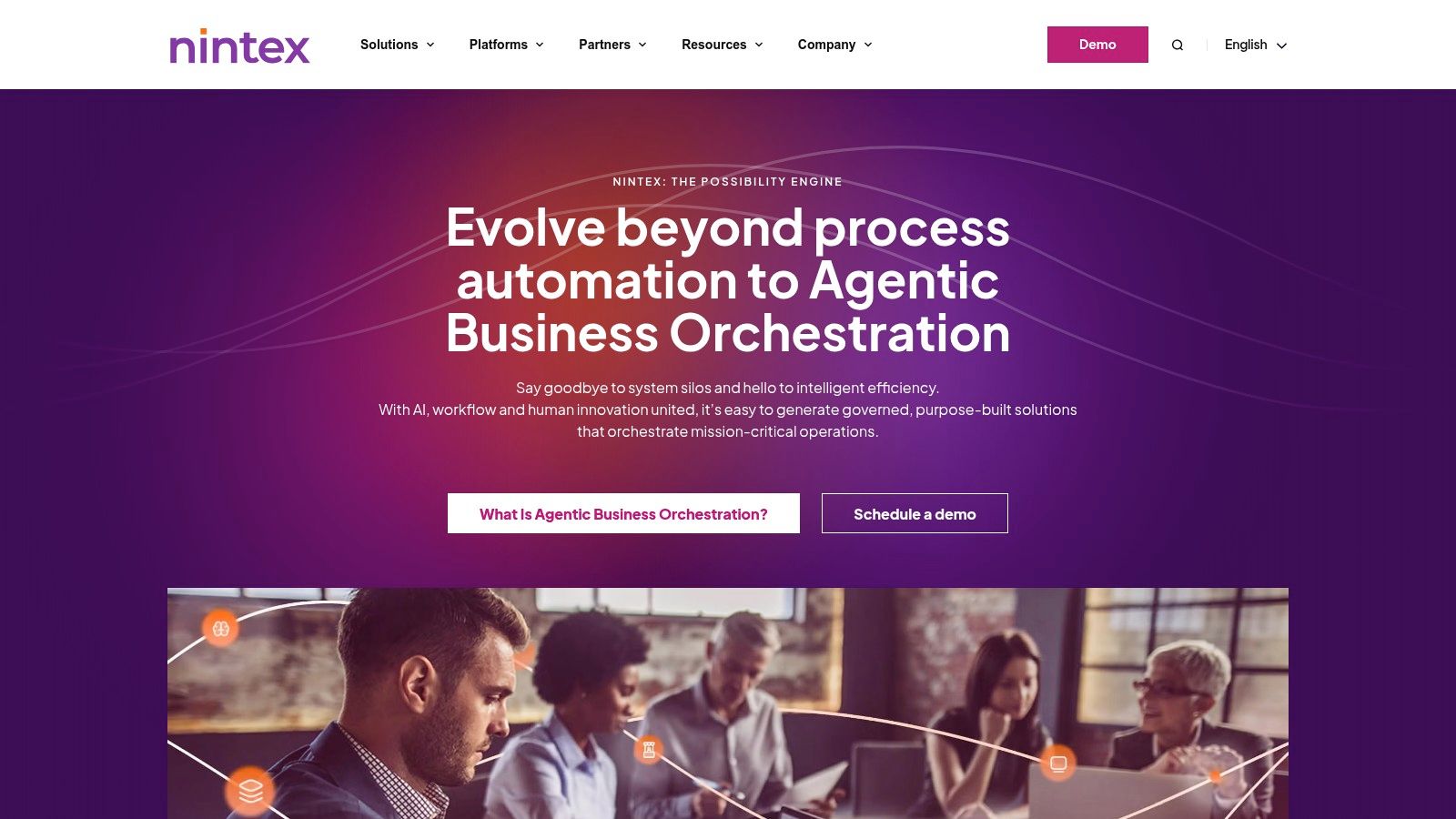
The platform enables teams to build detailed process maps enriched with roles (using RACI matrices), risk and compliance tags, and links to training materials. Its strength lies in transforming static diagrams into a living, single source of truth that supports continuous improvement. When a process is mapped in Nintex, it becomes a foundation for future optimisation. Understanding these foundational concepts is a key first step before you can learn more about business process automation and how it can drive efficiency.
Key Features and Considerations
| Feature | Description | Best For |
|---|---|---|
| Central Process Library | A single, governed repository with version control, approval workflows, and change logs. | Teams needing an official, audit-ready source of truth for all procedures. |
| Risk & Compliance Tagging | Link processes to specific risks, compliance obligations, and controls. | Organisations in regulated sectors requiring clear audit trails. |
| Integrated Feedback Loop | Users can submit improvement suggestions or report incidents directly on a process map. | Fostering a culture of continuous improvement across the business. |
Pros:
Purpose-Built for Governance: Excels at creating a structured, managed process environment rather than just visual diagrams.
Scales for Enterprise Use: Well-suited for large teams needing enterprise-grade training, compliance, and governance features.
Cons:
Higher-End Pricing: Pricing is quote-based and positioned at the premium end of the market.
Tiered Feature Access: Advanced reporting and analytics capabilities are often restricted to more expensive plans.
Website: https://www.nintex.com
2. Lucidchart (Lucid)
Lucidchart is a highly versatile, web-based diagramming tool that has become a go-to for teams needing speed and collaborative power. While not a dedicated process governance platform like Nintex, it excels as a flexible visual workspace. Its strength lies in its intuitive drag-and-drop interface and extensive template library, making it one of the most accessible business process mapping tools for creating everything from simple flowcharts and swimlane diagrams to complex BPMN 2.0 models.
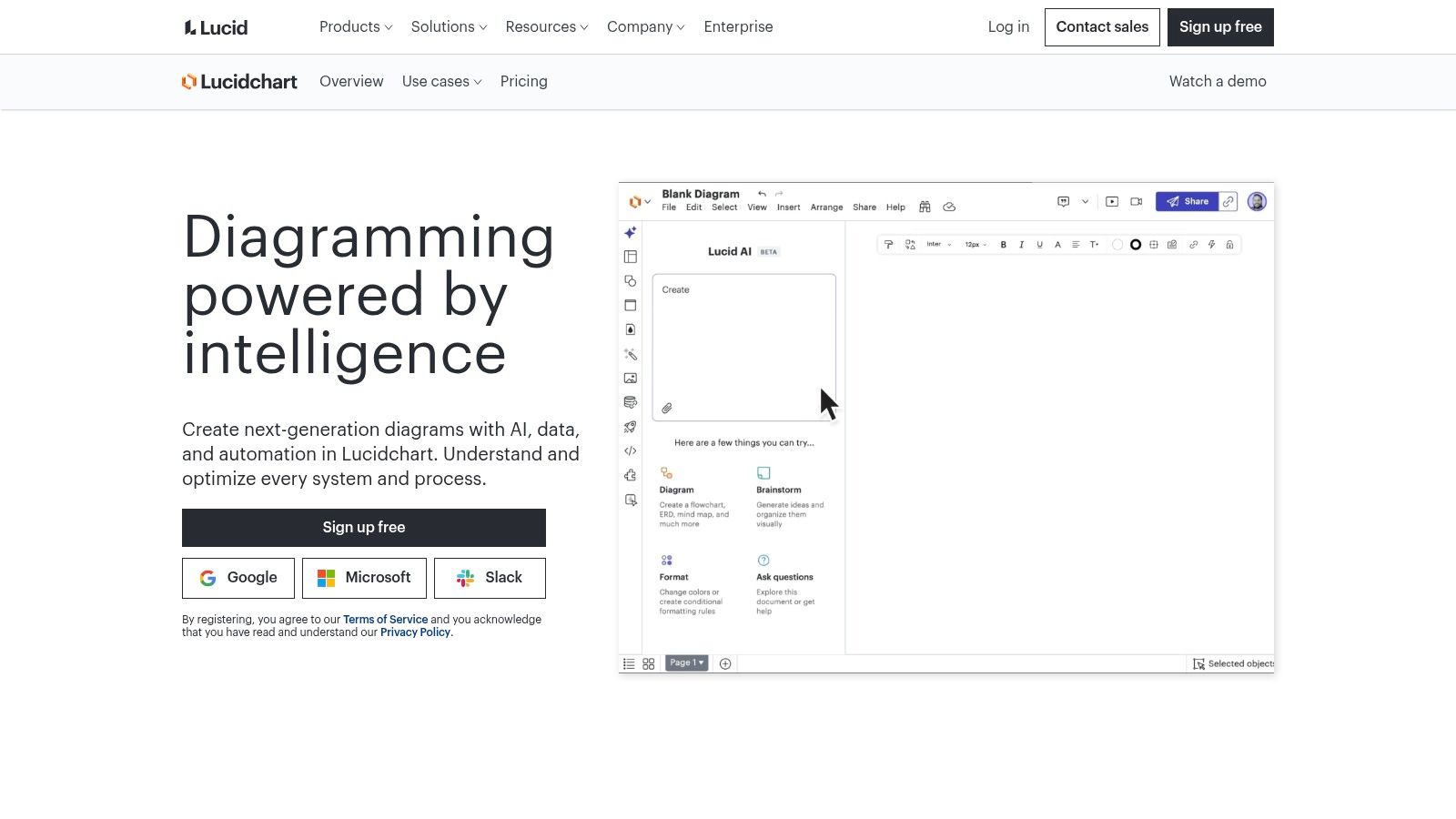
The platform is built for real-time collaboration, allowing multiple users to edit a diagram simultaneously, leave comments, and share their work effortlessly. This collaborative focus is ideal for workshops and brainstorming sessions where rapid iteration is key. With strong Visio import/export capabilities and deep integrations into ecosystems like Google Workspace, Microsoft 365, and Atlassian, Lucidchart effectively bridges the gap for organisations moving to cloud-based tools. It serves as a powerful first step in visualising workflows before embarking on a formal process improvement journey.
Key Features and Considerations
| Feature | Description | Best For |
|---|---|---|
| Real-Time Collaboration | Multiple users can co-edit diagrams, with in-editor chat and commenting features. | Teams needing to run live virtual mapping sessions and workshops. |
| Extensive Template Library | Over 1,000 pre-built templates for BPMN, flowcharts, swimlanes, and more. | Quickly starting new diagrams without building from scratch. |
| Broad Integrations | Seamlessly connects with Google, Microsoft, Atlassian, Slack, and other popular apps. | Embedding live diagrams and workflows into existing documentation. |
Pros:
Very Fast to Learn: An intuitive interface means new users can become productive almost immediately.
Excellent Collaboration: Real-time co-editing and commenting features are best-in-class for team-based work.
Cons:
Advanced Features Gated: Enterprise-level features like SAML and advanced data linking are restricted to higher-tier plans.
Limited Offline Use: Full functionality is dependent on a stable internet connection for most users.
Website: https://www.lucidchart.com
3. Microsoft Visio
Microsoft Visio is a long-standing and powerful diagramming application that has evolved into a core component of the Microsoft 365 ecosystem. While it serves as a general-purpose diagramming tool, its robust support for industry-standard notations like BPMN 2.0 and its extensive library of templates make it one of the most versatile business process mapping tools available. Its key strength lies in its native integration with other Microsoft products, offering a familiar interface for organisations already invested in that environment.
Visio allows users to create data-linked diagrams that can be dynamically updated from sources like Excel, which is ideal for visualising performance metrics directly on a process map. With its different plans, it caters to both casual users needing web-based collaboration and power users requiring the advanced features of a desktop application. This flexibility makes it a go-to choice for businesses that need everything from simple flowcharts to complex, data-rich process models that connect directly to automation and business intelligence platforms like Power Automate and Power BI.
Key Features and Considerations
| Feature | Description | Best For |
|---|---|---|
| BPMN 2.0 Compliance | Includes dedicated stencils and validation rules to ensure process maps adhere to the BPMN 2.0 standard. | Teams that need to create formal, standardised process models for analysis or automation. |
| Data Visualisation | Link diagram shapes to real-time data from sources like Excel, Azure Active Directory, and Power BI. | Visualising operational data directly on process maps for performance monitoring. |
| Deep Microsoft 365 Integration | Natively works with Teams, SharePoint, Power Automate, and Power BI for seamless collaboration and workflow automation. | Organisations heavily invested in the Microsoft ecosystem seeking a cohesive toolset. |
Pros:
Excellent Microsoft Ecosystem Fit: Unmatched integration with Teams, Power Platform, and other Microsoft 365 apps.
Powerful Desktop Application: The Plan 2 desktop version is excellent for creating large, highly complex, and data-intensive diagrams.
Cons:
Confusing Licensing: The different plans (Visio in Microsoft 365, Plan 1, Plan 2) can make it difficult to determine which features are included.
Full Capability is Expensive: Accessing advanced features like data connectivity and the desktop app requires the premium-priced Plan 2.
Website: https://www.microsoft.com/visio
4. Miro
Miro has cemented its reputation as a leading online whiteboard and visual collaboration platform, extending far beyond simple diagramming into a dynamic space for team workshops, brainstorming, and planning. While not a dedicated process governance tool like Nintex, its strength lies in its flexibility and real-time collaborative power. It is an ideal environment for the initial, often messy, stages of process discovery and mapping, where cross-functional teams need a shared canvas to ideate, draw connections, and build consensus before formalising a procedure.
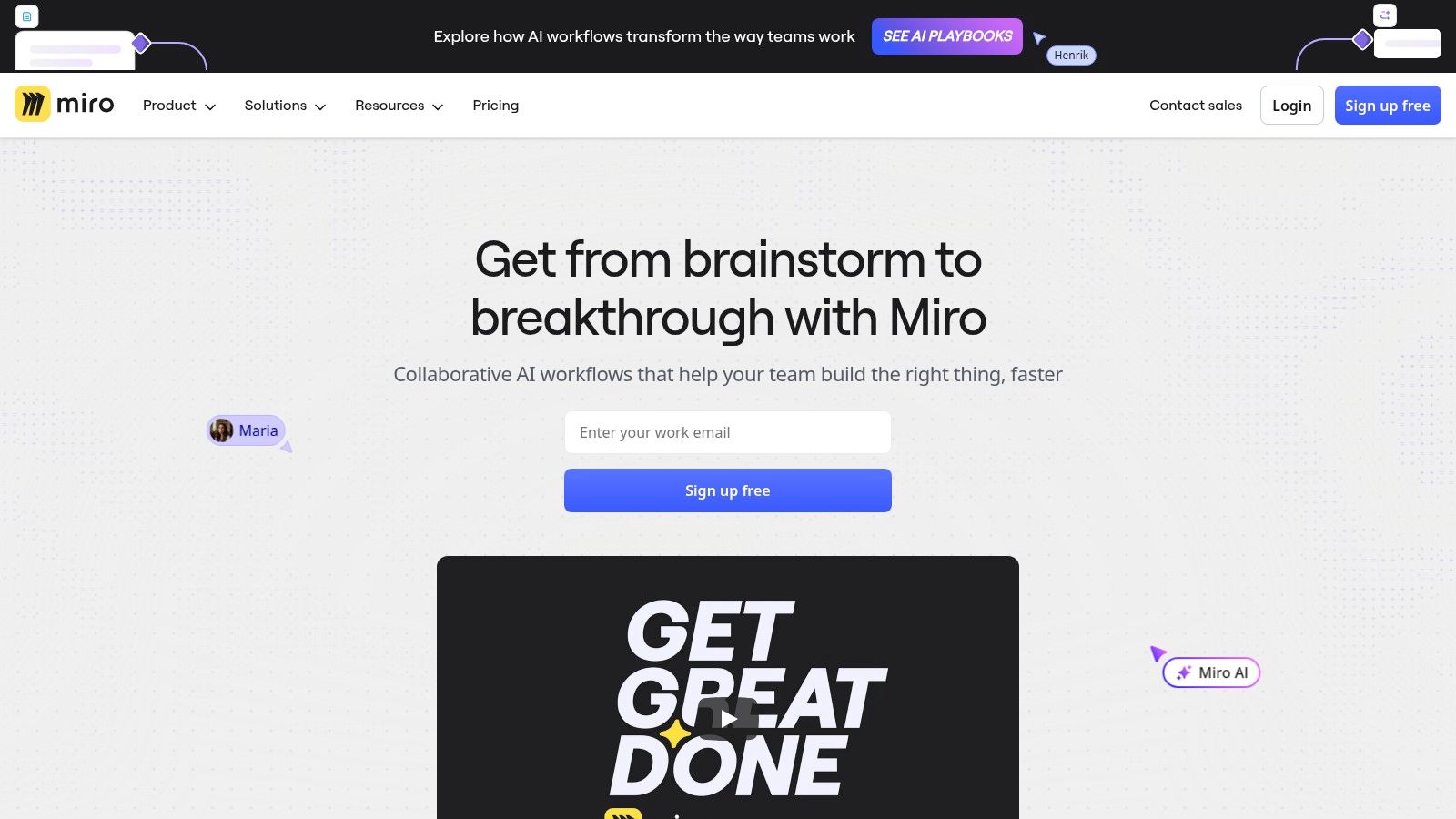
The platform offers an expansive template library, including pre-built frameworks for service blueprints, customer journey maps, and various process flowcharts. This makes it one of the most accessible business process mapping tools for teams wanting to get started quickly. Its user-friendly, drag-and-drop interface empowers non-technical users to contribute effectively, transforming process mapping from a specialised task into a collaborative team activity.
Key Features and Considerations
| Feature | Description | Best For |
|---|---|---|
| Infinite Canvas & Templates | A limitless digital whiteboard with 3,600+ shapes, icons, and a vast library of templates. | Workshops and brainstorming sessions where flexibility and creativity are key. |
| Real-Time Collaboration | See collaborators' cursors move in real time, with sticky notes, comments, and voting tools. | Remote or hybrid teams needing to map out processes together live. |
| App Integrations | Offers deep, two-way synchronisation with tools like Jira and Azure DevOps. | Agile development teams wanting to link process maps directly to project tasks. |
Pros:
Excellent Real-Time Collaboration: Unmatched for live, interactive workshops with large teams.
Extensive Template Library: Provides a significant head start for virtually any type of diagramming or mapping exercise.
Cons:
Performance on Large Boards: Very complex boards can become slow and resource-intensive on older hardware.
Gated Governance Features: Key controls like SSO and advanced user management are reserved for higher-tier Business and Enterprise plans.
Website: https://miro.com
5. Mural
Mural positions itself as an enterprise-grade digital whiteboard, shifting the focus from pure BPMN notation to collaborative workshop facilitation. While it functions as a highly capable visual canvas for mapping workflows, its core strength lies in providing a structured environment for teams to brainstorm, design, and document processes together in real-time. It is one of the most popular business process mapping tools for organisations that prioritise facilitated sessions, design thinking, and interactive, template-driven collaboration over strict, formal process modelling.
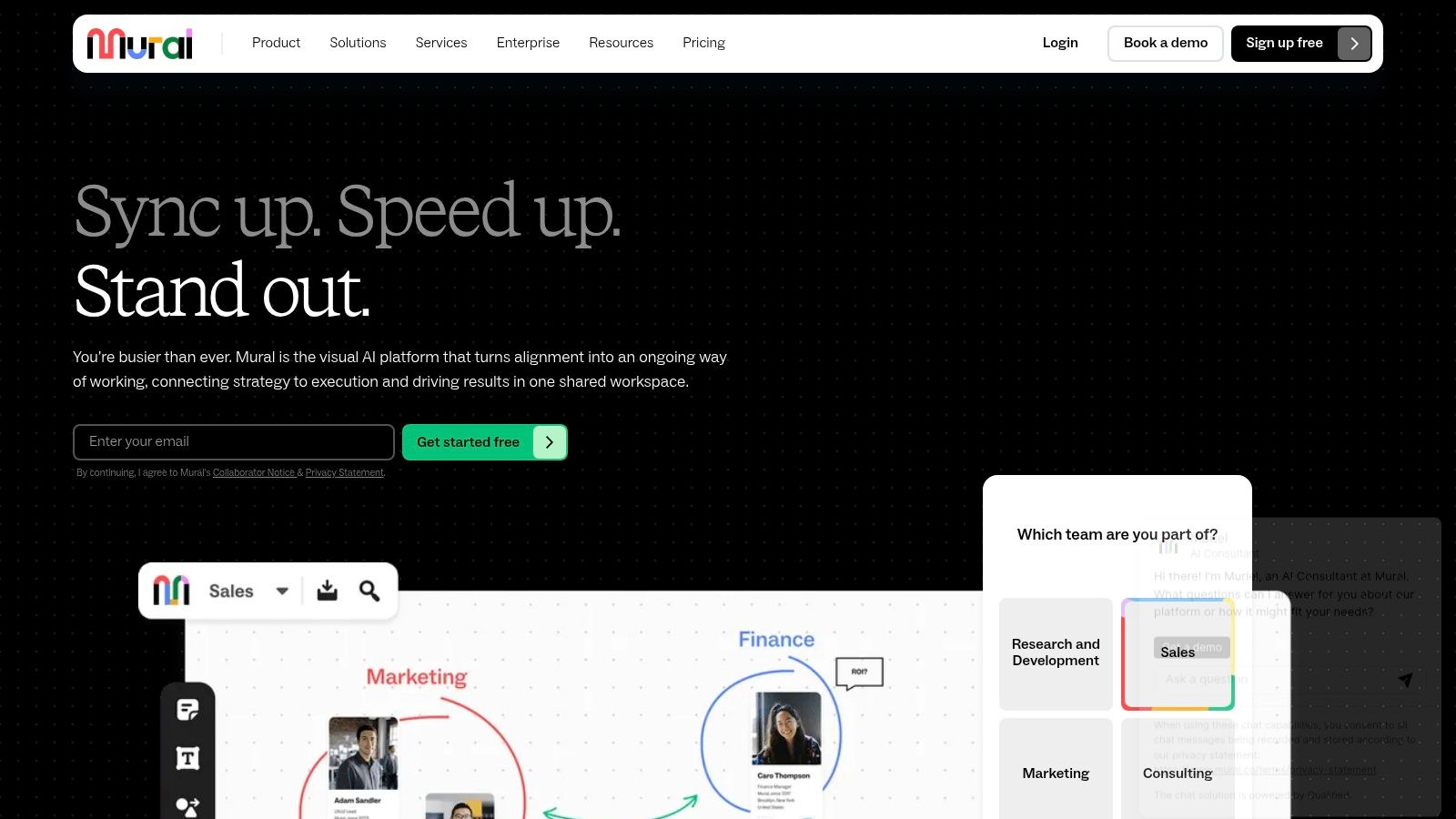
The platform comes pre-loaded with an extensive library of templates, including frameworks from LUMA Institute, which guide teams through specific exercises like journey mapping or root cause analysis. This makes it exceptionally valuable for running remote or hybrid workshops. With enterprise features like SSO, advanced user management, and private rooms, Mural provides the security and control required by larger organisations, ensuring that collaborative sessions remain productive and secure.
Key Features and Considerations
| Feature | Description | Best For |
|---|---|---|
| Facilitator Superpowers | Tools like a timer, private mode, and summon features give facilitators control over workshop flow. | Running structured, engaging remote or hybrid process mapping sessions. |
| Extensive Template Library | Access hundreds of pre-built templates for flowcharts, journey maps, and strategic planning. | Teams needing guided frameworks to kickstart their mapping and brainstorming activities. |
| Enterprise-Grade Security | Features include SSO/SCIM, data residency options, and advanced administrative controls. | Large organisations requiring robust security, governance, and user management. |
Pros:
Designed for Collaboration: Excels at real-time, interactive workshops with powerful facilitation toolkits.
Straightforward Team Pricing: Higher-tier plans offer unlimited guests, simplifying collaboration with external stakeholders.
Cons:
Limited BPMN Native Support: Creating precise BPMN 2.0 diagrams may require importing custom stencils or shapes.
Advanced Features Gated: Key security and administrative controls are reserved for the more expensive Business and Enterprise plans.
Website: https://www.mural.co
6. monday.com
monday.com has carved out a unique space by evolving from a project management tool into a comprehensive Work OS where processes are not just mapped but actively managed. Unlike dedicated diagramming tools, its core strength is connecting visual process maps directly to live workflows. This approach makes it one of the most practical business process mapping tools for teams that want to bridge the gap between planning and execution within a single, collaborative environment.
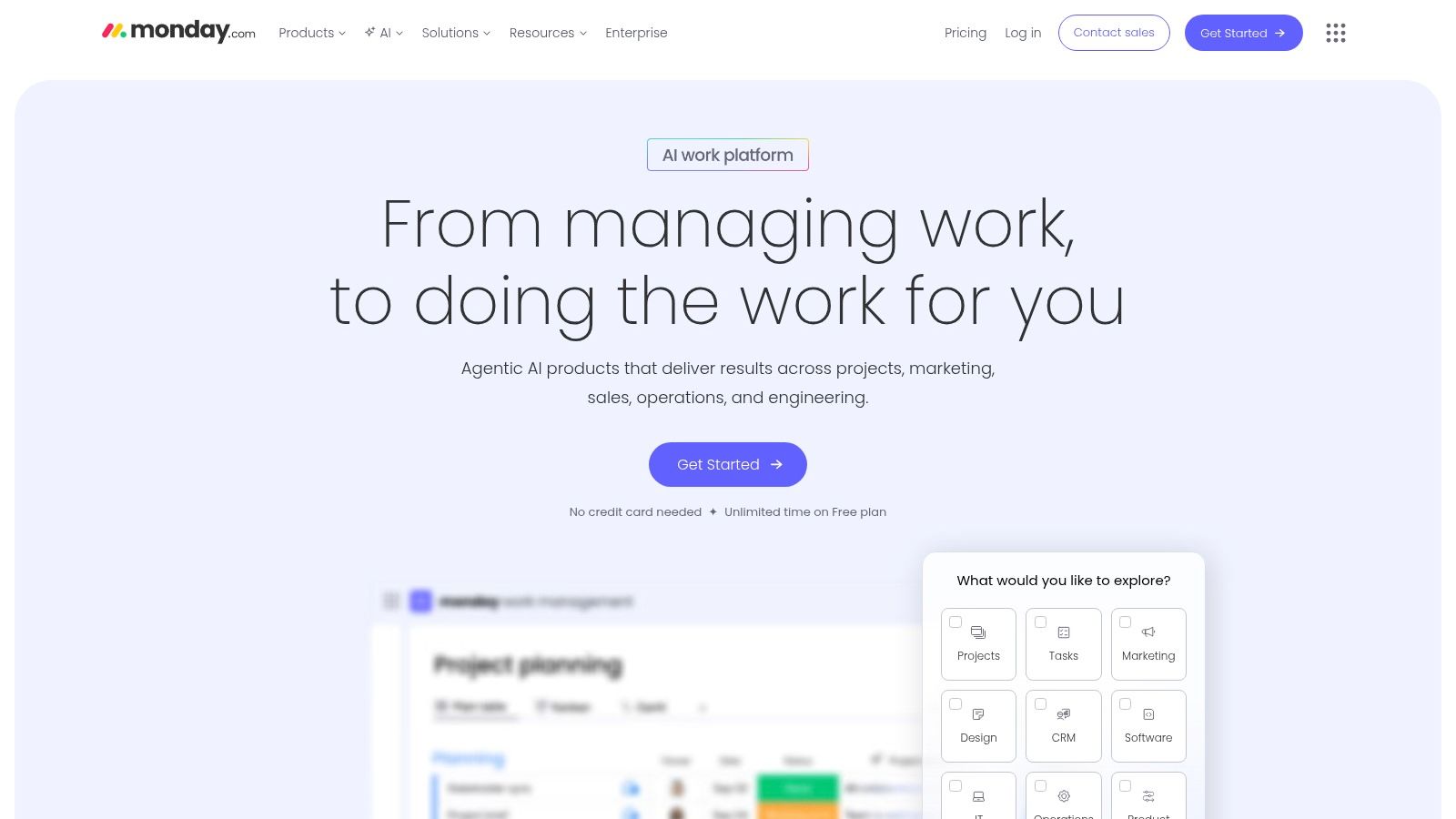
The platform integrates its WorkCanvas (a visual whiteboard) with its traditional boards and docs, enabling a two-way sync where a process flowchart can directly update task owners, deadlines, and statuses on a corresponding project board. This turns a static diagram into an operational dashboard. For organisations ready to turn their process maps into actionable work, a structured monday.com implementation can be transformative, ensuring the platform is configured to meet specific operational needs from day one.
Key Features and Considerations
| Feature | Description | Best For |
|---|---|---|
| Integrated WorkCanvas & Boards | Visual whiteboards for mapping are synced with project boards for execution. | Teams wanting to turn process diagrams into live, tracked workflows. |
| Extensive Template Library | Over 200 pre-built templates for various workflows, from marketing to operations. | Businesses seeking to quickly standardise and deploy common processes. |
| Built-in Automations | No-code/low-code automation builder to trigger actions and notifications based on process steps. | Improving operational efficiency by reducing manual handoffs and updates. |
Pros:
Actionable Mapping: Maps can become live workflows with assigned owners, SLAs, and progress dashboards.
Strong Ecosystem: A large partner network is available for specialised implementation, training, and support.
Cons:
Minimum Seat Bundles: Pricing models often require a minimum number of users, which may not suit very small teams.
Tiered Feature Access: Advanced governance and portfolio management features are reserved for Pro and Enterprise plans.
Website: https://monday.com
7. Bizagi Modeler
Bizagi Modeler establishes itself as a powerful entry point for organisations committed to formal process documentation using the Business Process Model and Notation (BPMN) 2.0 standard. It provides a robust, free-to-use desktop application that allows users to create, document, and simulate processes with a high degree of precision. Unlike more general-purpose diagramming apps, its focus on BPMN compliance makes it one of the best free business process mapping tools for analysts and teams needing a standardised approach to process design before considering automation.
The platform's key differentiator is its "what-if" simulation feature, which enables users to analyse process bottlenecks, resource allocation, and potential efficiencies directly within the modeller. This provides a clear pathway from mapping to optimisation. While the desktop tool is a standalone product, it is designed as an on-ramp to Bizagi's wider suite of enterprise-grade collaboration and automation services, offering a scalable solution as a company’s process maturity grows.
Key Features and Considerations
| Feature | Description | Best For |
|---|---|---|
| BPMN 2.0-Compliant Modelling | A comprehensive toolkit for creating and validating diagrams against the global BPMN 2.0 standard. | Teams needing to ensure their process maps are formal, accurate, and ready for automation. |
| "What-If" Simulation | Analyse process performance, identify bottlenecks, and test optimisation scenarios before implementation. | Process analysts looking to quantify the impact of proposed changes. |
| Versatile Import/Export | Import diagrams from Visio, XPDL, and BPMN formats, and export to Word, PDF, web, or SharePoint. | Integrating process documentation into existing company wikis, reports, and knowledge bases. |
Pros:
Genuinely Free Desktop Tool: The core modelling and simulation software is free for individual use, offering incredible power without an initial investment.
Scalable Pathway: Provides a clear upgrade path to enterprise-level process automation and collaboration within the Bizagi ecosystem.
Cons:
Windows-First Application: The desktop application is native to Windows; Mac users must use a virtual machine to run it.
Collaboration is a Paid Feature: Real-time collaboration, version control, and a central process library require upgrading to paid cloud services.
Website: https://www.bizagi.com
8. IBM Blueworks Live
IBM Blueworks Live is a cloud-based platform designed for large-scale process discovery and documentation. It provides a centralised, collaborative environment where teams can map, analyse, and standardise their business processes. Unlike more general-purpose diagramming tools, Blueworks Live is built with enterprise governance in mind, making it one of the go-to business process mapping tools for organisations that require rigorous version control, clear approval workflows, and audit-ready process libraries.
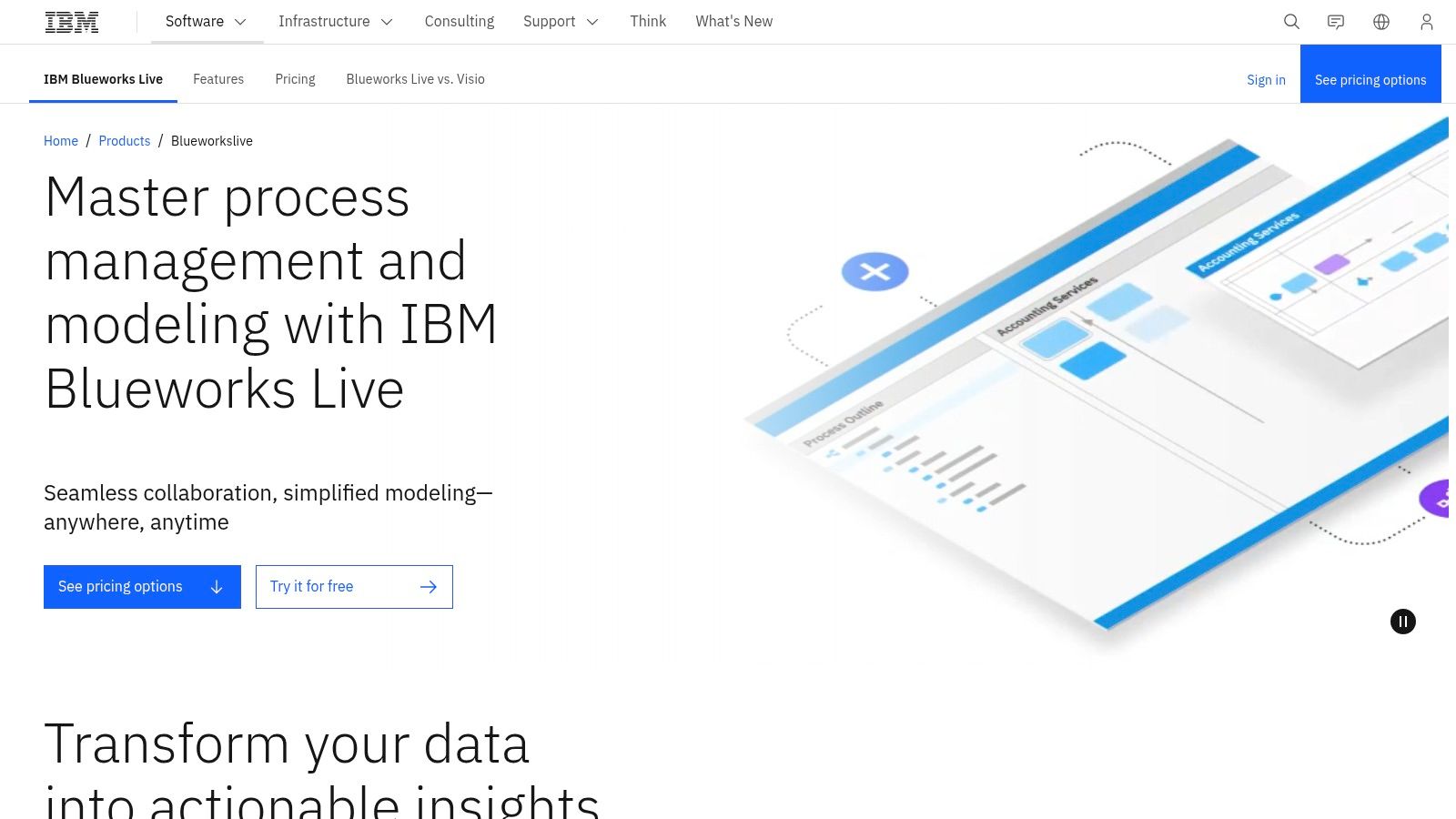
The platform's strength lies in its ability to facilitate process discovery sessions and convert discussions into formal, documented procedures. Its "playback" feature allows stakeholders to visualise the process flow step-by-step, ensuring accuracy and alignment before formalisation. This focus on standardisation and compliance makes it a powerful choice for businesses in regulated sectors or those undergoing large digital transformation projects where clear, consistent documentation is paramount.
Key Features and Considerations
| Feature | Description | Best For |
|---|---|---|
| Process Discovery & Documentation | Guided mapping tools and a "playback" mode to visualise and validate process flows collaboratively. | Teams needing to document complex, existing processes with multiple stakeholders. |
| Reviewer & Approver Workflows | Formal, version-controlled review and approval cycles to ensure process integrity. | Compliance-focused organisations requiring auditable change management. |
| Secure Cloud Repository | A centralised, secure library for storing and managing all business process models. | Enterprises needing a single source of truth for process documentation across departments. |
Pros:
Simple Modelling UI with Enterprise Governance: The interface is relatively easy to use for process mapping, yet it is backed by robust enterprise-grade governance features.
Fits Compliance-Focused Organisations: Ideal for large businesses that prioritise standardisation, audit trails, and strict process control.
Cons:
Complex Pricing: Pricing is not publicly listed and often involves quote-based enterprise plans with bundled viewer packs.
Less Agile for Small Teams: The platform’s focus on formal governance can feel cumbersome for smaller businesses needing more flexibility.
Website: https://www.ibm.com/products/blueworkslive
9. SAP Signavio Process Manager
SAP Signavio Process Manager is an enterprise-grade process management suite designed for large-scale business transformation and governance. As part of the wider SAP ecosystem, it excels in organisations that rely heavily on SAP ERP or S/4HANA, offering deep integration capabilities. It goes beyond basic diagramming, providing a holistic platform for process modelling, analysis, mining, and journey mapping, positioning it as one of the most comprehensive business process mapping tools for corporate transformation programmes.

The platform is built for collaborative modelling with structured approval and governance workflows, ensuring that all process documentation remains consistent and authorised. Its powerful analytics features allow teams to compare process variants, benchmark performance against industry standards, and identify inefficiencies through data-driven insights. This makes it an ideal solution for organisations seeking to connect their strategic objectives directly to operational execution and continuous improvement initiatives.
Key Features and Considerations
| Feature | Description | Best For |
|---|---|---|
| Collaborative Process Modelling | A centralised environment with governance, approvals, and version control for collaborative map creation. | Enterprises standardising process documentation across multiple departments. |
| Process & Variant Comparison | Analytical tools to benchmark different process versions or compare actual performance against designed models. | Large organisations optimising complex, high-volume workflows for efficiency. |
| Deep SAP Integration | Native connectivity with SAP S/4HANA and other SAP systems for data-driven process insights and mining. | Businesses running their core operations on the SAP ecosystem. |
Pros:
Large-Scale Transformation Support: The broad suite covers modelling, mining, and journey mapping to support major business changes.
Powerful Analytics: Provides extensive benchmarking and analysis capabilities to drive data-informed decisions.
Cons:
Enterprise-Level Pricing: Pricing is custom-quoted and reflects its enterprise focus, making it a significant investment.
Complexity for Small Teams: Its comprehensive feature set is likely overkill for small businesses needing only basic mapping.
Website: https://www.signavio.com
10. ARIS (Business Process Analysis)
ARIS stands as an enterprise-grade platform dedicated to Business Process Analysis (BPA) and management. It moves beyond simple diagramming, offering a comprehensive suite for designing, governing, and analysing complex organisational processes. ARIS is one of the more powerful business process mapping tools available, built for corporations that require rigorous methodological support, deep analytics, and scalable governance for their enterprise architecture and process initiatives.
The platform's core strength lies in its support for established modelling standards like BPMN and Event-driven Process Chains (EPC), along with its ability to link process models to wider enterprise architecture, including applications, data, and organisational structures. This integrated approach allows businesses to not only visualise workflows but also to analyse their impact on the entire operational landscape, making it ideal for large-scale digital transformation and compliance projects where detail and control are paramount.
Key Features and Considerations
| Feature | Description | Best For |
|---|---|---|
| BPMN & EPC Modelling | Extensive support for industry-standard notations with a central repository and governance workflows. | Enterprises requiring strict adherence to modelling conventions and methodologies. |
| Enterprise Architecture Modelling | Options to connect processes with IT architecture, customer journeys, and organisational charts. | Organisations undertaking complex transformation or systems consolidation projects. |
| Cloud Data Residency | Provides choices for cloud data hosting in specific regions, including the US, EU, and Australia. | Businesses with strict data sovereignty and compliance requirements. |
Pros:
Deep Methodological Support: Excels in detailed, method-driven process modelling and extensive reporting capabilities.
Highly Scalable: Built to support very large user counts, complex process landscapes, and private cloud deployments.
Cons:
Complex Pricing: The pricing structure and various product options can be complex to navigate.
Tiered Feature Access: Advanced analytics and enterprise architecture features are reserved for higher-priced tiers.
Website: https://aris.com
11. diagrams.net / draw.io
diagrams.net, widely known by its former name draw.io, is a powerful and completely free diagramming tool that offers a compelling alternative to expensive, subscription-based platforms. Its key differentiator is a security-first approach, giving users full control over where their data is stored. Instead of requiring an account or using proprietary cloud storage, it integrates directly with your existing services like Google Drive, OneDrive, and GitHub, or even allows you to save files directly to your device for complete privacy.
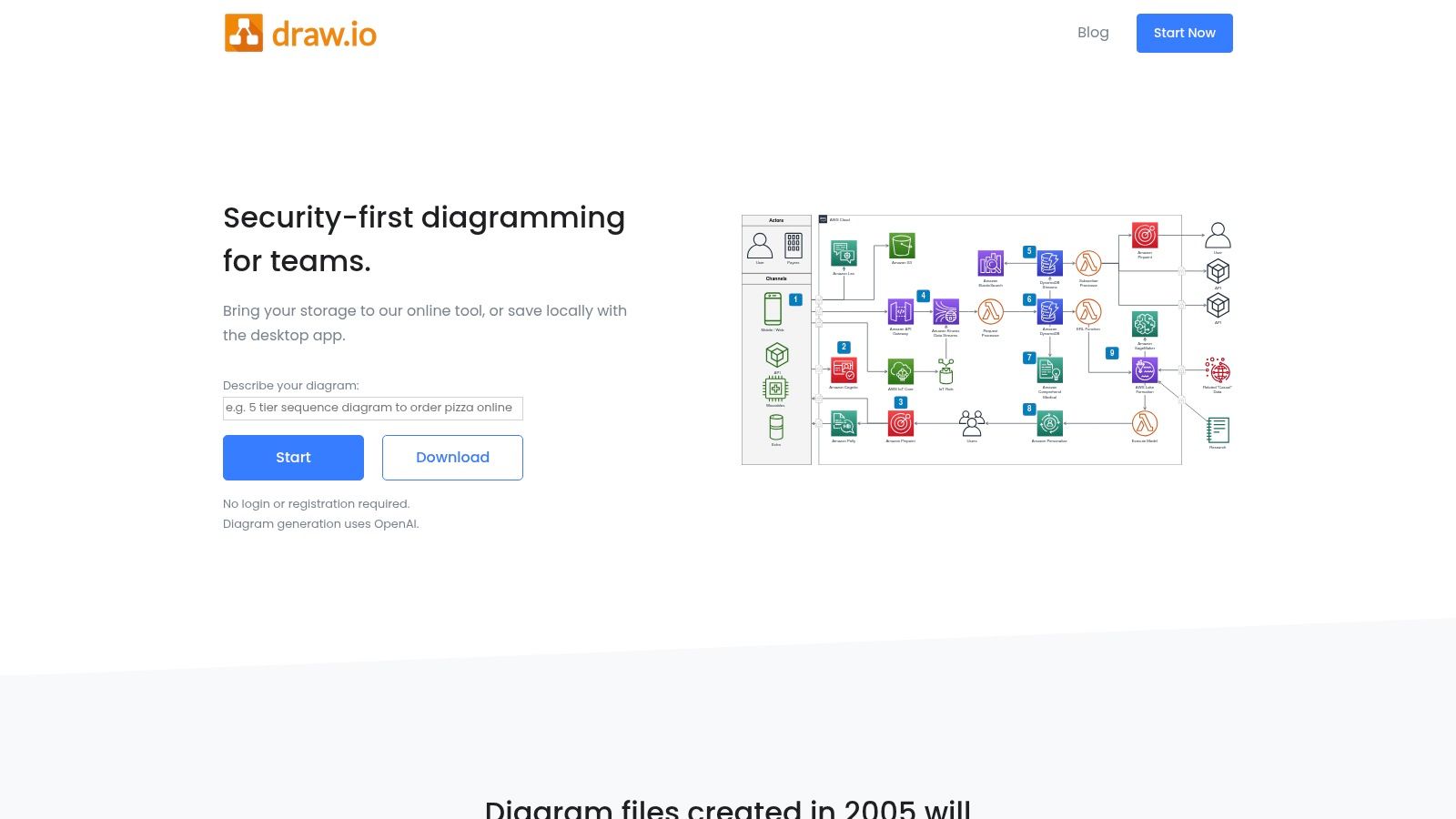
This makes it an exceptional choice for startups, small businesses, or teams within larger organisations that need robust business process mapping tools without the procurement overhead. The platform supports BPMN 2.0 notation and offers a vast library of shapes and templates, making it highly versatile for everything from simple flowcharts to complex system architecture diagrams. Its real-time collaboration features and deep integrations with Atlassian Confluence and Jira also make it a favourite among software development and IT teams.
Key Features and Considerations
| Feature | Description | Best For |
|---|---|---|
| Flexible Storage Options | Save diagrams directly to Google Drive, OneDrive, Dropbox, GitHub, or your local device. | Teams prioritising data privacy, security, and control over their files. |
| Extensive Template Library | Includes a wide range of pre-built templates for flowcharts, BPMN, UML, and network diagrams. | Quickly starting new diagrams without building from scratch. |
| Atlassian & Google Integration | Deep, native integrations for embedding and editing diagrams within Confluence, Jira, and Google Workspace. | Agile teams and organisations that rely on Atlassian or Google ecosystems. |
Pros:
Completely Free: The core web and desktop applications are free for all users with no feature limitations.
Privacy-First by Design: You control your data; the tool never stores it on its own servers.
Cons:
Lacks Advanced Governance: Missing enterprise features like centralised user management, audit trails, and approval workflows.
Community-Based Support: Primary support is through documentation and community forums, not dedicated customer service.
Website: https://www.drawio.com
12. SmartDraw
SmartDraw positions itself as a powerful and user-friendly alternative to Visio, offering extensive diagramming capabilities that go well beyond basic flowcharts. Available as both a web-based and desktop application, it provides a comprehensive suite of templates for over 70 diagram types, including BPMN, org charts, and floor plans. Its key differentiator is the intelligent formatting engine, which automates much of the alignment and spacing, making it one of the most efficient business process mapping tools for teams that need to produce polished, professional diagrams quickly.
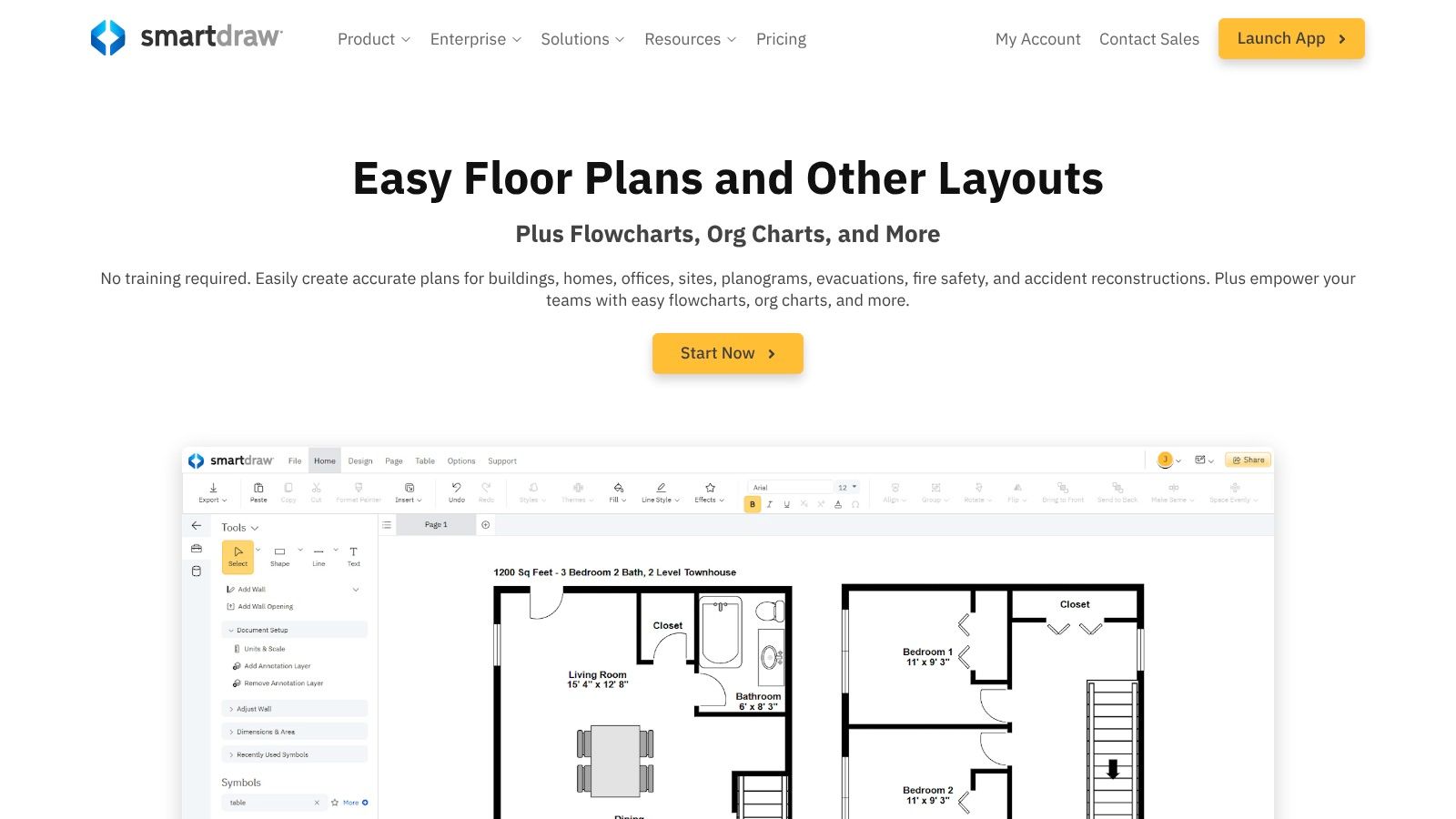
The platform is particularly well-suited for organisations embedded in the Microsoft ecosystem or those transitioning away from Visio, thanks to its seamless import and export functionality. Integrations with Microsoft 365, Google Workspace, and Atlassian products allow teams to embed diagrams directly into their existing documentation and collaboration workflows. For larger teams, enterprise-level features like Single Sign-On (SSO), document retention policies, and centralised administration provide necessary governance and control over visual assets.
Key Features and Considerations
| Feature | Description | Best For |
|---|---|---|
| Intelligent Formatting | Automatically aligns shapes, lines, and text as you build your diagram, saving significant time. | Users who need to create professional-looking maps quickly without manual adjustments. |
| Visio Compatibility | Provides robust import and export capabilities for Visio files (.vsdx), ensuring no data is lost. | Teams migrating from Visio or collaborating with partners who use it. |
| Extensive Template Library | Offers over 70 types of diagrams with thousands of professional templates and symbols. | Organisations that need a versatile tool for various diagramming needs beyond process mapping. |
Pros:
Large, Polished Template Set: A vast library of high-quality templates and stencils accelerates diagram creation.
Friendly to Visio Switchers: Excellent import/export functionality makes the transition from Visio straightforward.
Cons:
Annual Billing Only: Core subscription plans require an upfront annual commitment, which may not suit all budgets.
Tiered Collaboration Features: Some advanced real-time collaboration tools are reserved for more expensive Team or Enterprise plans.
Website: https://www.smartdraw.com
Top 12 Business Process Mapping Tools Comparison
| Tool | Core focus | Quality (★) | Pricing/Value (💰) | Target audience & USP (👥/✨/🏆) |
|---|---|---|---|---|
| Nintex Process Manager (Promapp) | Process mapping & governed repository | ★★★★ | 💰💰💰 (quote‑based) | 👥 Regulated ANZ teams — ✨Audit‑ready libraries & approvals — 🏆Governance at scale |
| Lucidchart (Lucid) | Collaborative diagramming & templates | ★★★★ | 💰💰 (subscription) | 👥 Cross‑functional teams — ✨Fast collaboration + 1,000+ templates — 🏆Ease/speed |
| Microsoft Visio | Visio‑standard BPMN & data‑linked diagrams | ★★★★ | 💰💰💰 (Plan2 for full) | 👥 Microsoft‑centric orgs — ✨Power Platform & Power BI links — 🏆Desktop for complex diagrams |
| Miro | Visual collaboration & large whiteboards | ★★★★ | 💰💰 (tiered) | 👥 Workshops & product teams — ✨Real‑time boards + templates — 🏆Scale for facilitation |
| Mural | Enterprise whiteboarding & facilitation | ★★★★ | 💰💰 (Business/Enterprise) | 👥 Facilitators/remote teams — ✨Facilitation toolkits & security — 🏆Workshop enablement |
| monday.com | Work OS: mapping → execution (boards, automations) | ★★★★ | 💰💰 (seat bundles) | 👥 Teams wanting mapping+execution — ✨Maps to live workflows & dashboards — 🏆Implementation partner network |
| Bizagi Modeler | BPMN 2.0 modeling + simulation (desktop) | ★★★ | 💰 (free desktop; paid add‑ons) | 👥 BPM practitioners learning BPMN — ✨Free modeling + “what‑if” simulation — 🏆Cost‑effective BPMN entry |
| IBM Blueworks Live | Cloud process discovery & governed repo | ★★★★ | 💰💰💰 (enterprise) | 👥 Compliance‑focused enterprises — ✨Discovery playback & approvals — 🏆Enterprise governance |
| SAP Signavio Process Manager | Enterprise modeling, benchmarking & SAP integration | ★★★★ | 💰💰💰 (custom quote) | 👥 Large transformation programs — ✨Variant comparison + SAP links — 🏆Transformation analytics |
| ARIS (BPA) | Comprehensive BPA/BPMN, EA & governance | ★★★★ | 💰💰💰 (complex tiers) | 👥 Enterprises needing rigorous method — ✨Deep method support & residency options — 🏆Detailed reporting at scale |
| diagrams.net / draw.io | Free, privacy‑first diagramming (web/desk) | ★★★ | 💰 (free/core) | 👥 Cost‑sensitive/self‑host teams — ✨No‑login/local/cloud storage — 🏆Free + privacy control |
| SmartDraw | Visio‑class diagrams & polished templates | ★★★★ | 💰💰 (annual) | 👥 Visio switchers & admin teams — ✨Polished stencils + Visio import/export — 🏆Visio compatibility |
From Mapping to Mastery: Turning Process Insights into Action
Navigating the landscape of business process mapping tools can feel overwhelming, but as we've explored, the right solution is less about finding a single "best" tool and more about identifying the best fit for your organisation's unique needs. We’ve journeyed through a comprehensive list of contenders, from the structured, compliance-focused power of Nintex Process Manager and SAP Signavio to the versatile, collaboration-first environments of Lucidchart, Miro, and Mural.
We’ve seen how traditional diagramming stalwarts like Microsoft Visio and SmartDraw offer deep feature sets for technical users, while accessible options like diagrams.net provide a free entry point for basic mapping. Meanwhile, platforms like monday.com demonstrate the power of integrating process visualisation directly into the operational fabric of your project and workflow management. The key takeaway is that a process map is not just a static diagram; it's a dynamic blueprint for efficiency, clarity, and continuous improvement.
Key Considerations Before You Commit
Choosing your tool is a critical first step, but successful implementation requires a strategic approach. Before you finalise your decision and roll out a new platform, reflect on these crucial factors:
Adoption and Training: How intuitive is the tool for your least tech-savvy team member? A powerful tool that nobody uses is ineffective. Factor in the time and resources required for training and onboarding to ensure company-wide adoption. A phased rollout, starting with a pilot team, can help smooth this transition.
Scalability and Future Needs: Your business will evolve, and your processes will grow in complexity. Select a tool that not only solves today's problems but can also scale with you. Consider its ability to handle more intricate workflows, support a growing number of users, and integrate with future technology stacks. Does it support standards like BPMN 2.0, which may become essential as you mature?
Integration is Non-Negotiable: A process mapping tool should not exist in a silo. Its true power is unleashed when it connects seamlessly with the other systems you rely on daily, like your CRM, project management software (such as monday.com), or ERP. Critically evaluate the tool’s native integrations and API capabilities to ensure it can become a central hub of information, not another isolated data island.
Beyond the Map: The Goal is Action: Remember, the ultimate purpose of using business process mapping tools is to drive meaningful change. The map itself is just the beginning. The real value comes from the analysis, optimisation, and automation that follow. Your chosen tool should facilitate this journey, enabling you to identify bottlenecks, streamline workflows, and ultimately, turn insights into tangible business outcomes.
Ultimately, the act of mapping your processes forces valuable conversations and uncovers hidden inefficiencies, fostering a culture of clarity and accountability. Whether you are a small business aiming for structured growth or a larger enterprise seeking to standardise operations, the right tool will empower your team to move from simply visualising work to truly mastering it. Choose wisely, implement thoughtfully, and you’ll unlock a powerful engine for organisational excellence.
Is your process mapping revealing opportunities for sophisticated automation or complex platform integrations that go beyond your tool's native capabilities? The team at Wisely specialises in turning your process blueprints into reality, building custom solutions and seamless integrations that connect your entire tech stack. Visit Wisely to learn how we can help you action your insights and achieve true operational mastery.