Choosing the right accounting software is a foundational decision for any New Zealand small business. It’s the central nervous system for your finances, handling everything from invoicing and payroll to GST returns and cash flow forecasting. The challenge isn't a lack of options; it's navigating a crowded market to find the one tool that aligns perfectly with your specific operational needs, industry requirements, and growth ambitions. Get this choice right, and you unlock powerful efficiencies, clearer financial insights, and more time to focus on your core business. Get it wrong, and you're stuck with clunky workflows, inaccurate data, and administrative headaches.
This comprehensive guide is designed to cut through the noise. We've compiled an authoritative list of the best accounting software for small business operators in NZ, moving beyond marketing claims to provide a practical analysis of each platform. For every option, you will find a detailed breakdown, including:
- Core features and ideal use cases: Understand who the software is built for.
- Pros and cons: An honest assessment of strengths and limitations.
- Pricing and integration notes: Including details on connecting with platforms like monday.com and Wisely.
- Direct links and screenshots: See the software in action before you commit.
We will analyse standalone platforms like Xero and MYOB, and also explore aggregator sites like Capterra NZ to broaden your research. While this guide focuses on comprehensive accounting suites, some businesses may only need specific functionalities. For those prioritising billing, a dedicated guide to invoicing software for small business can provide valuable insights into specialised solutions. Our goal is to equip you with the detailed information needed to select a financial tool that not only solves today's problems but also scales with your success.
1. Xero (NZ)
Xero stands as a dominant force in the New Zealand market, making it a top contender for the best accounting software for small business operating in the region. Its platform is built from the ground up with Kiwi businesses in mind, offering streamlined workflows for local compliance, including direct GST calculation and e-filing to the Inland Revenue (IRD). This NZ-first approach simplifies tax obligations significantly.
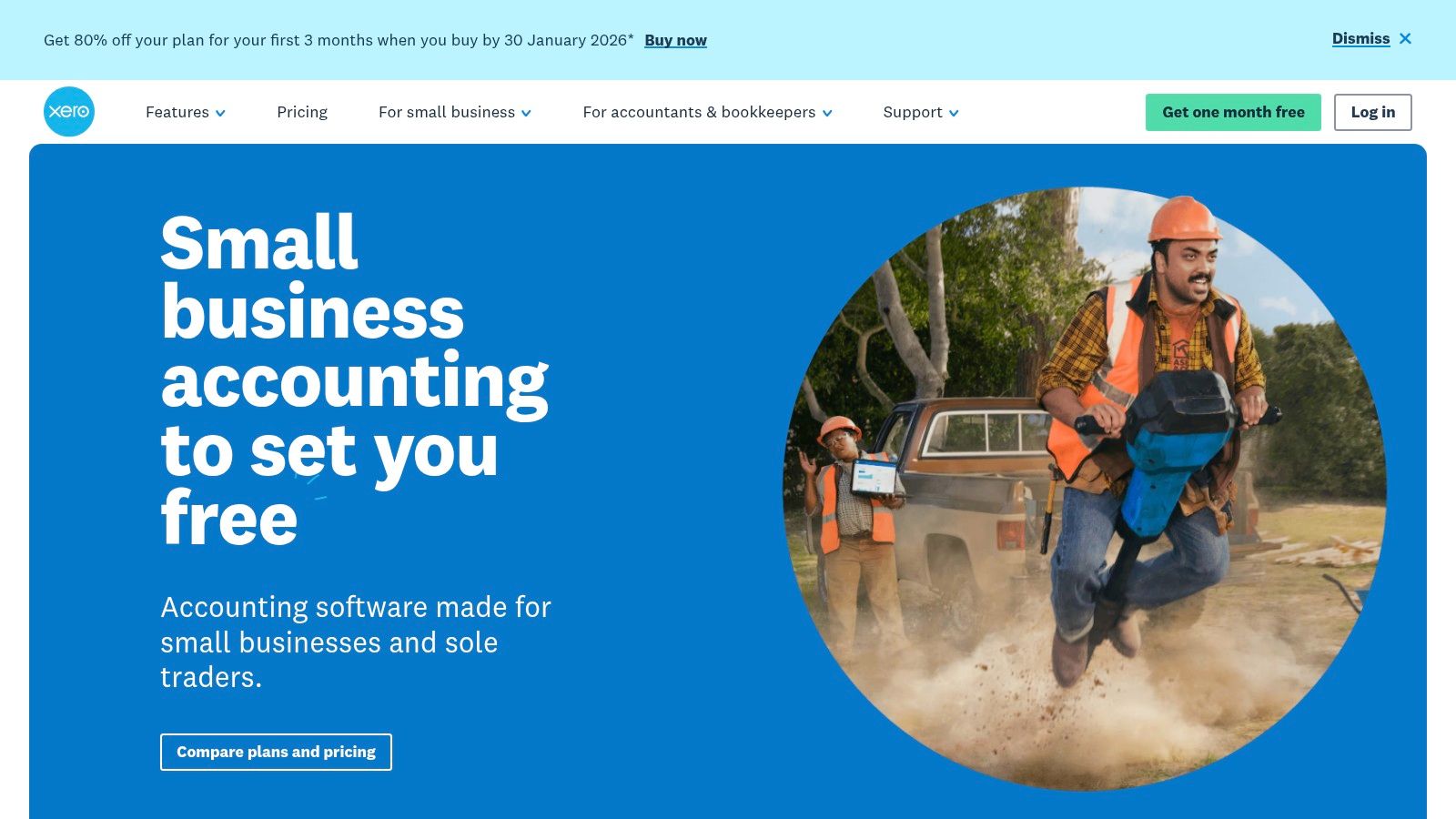
The platform excels with its intuitive bank reconciliation, where live bank feeds are paired with AI-assisted suggestions to make matching transactions quick and accurate. Its expansive app marketplace, featuring over 1,000 integrations, allows businesses to build a customised tech stack that connects accounting with other critical tools.
Key Features & Pricing
| Feature | Starter Plan ($17/month) | Standard Plan ($37/month) | Premium Plan ($54/month) |
|---|---|---|---|
| Invoices & Quotes | Send 20 | Unlimited | Unlimited |
| Bank Reconciliation | Yes | Yes | Yes |
| GST Returns | Yes | Yes | Yes |
| Multi-currency | No | No | Yes |
| Add-ons Available | Projects, Expenses, Payroll | Projects, Expenses, Payroll | Projects, Expenses, Payroll |
Pros:
- NZ-Centric: Designed specifically for New Zealand tax and business regulations.
- Vast Ecosystem: A large network of local accountants and integrated apps.
- User-Friendly: Consistently praised for its clean interface and ease of use.
Cons:
- Cost Scaling: Advanced features like multi-currency are locked behind pricier tiers.
- Add-on Fees: Payroll and Expenses modules incur extra costs based on user numbers.
Given its cloud-based nature, ensuring your financial data is secure is paramount. For insights into protecting your business information, review this guide on cybersecurity for companies in NZ.
2. MYOB Business (NZ)
MYOB has a long-standing reputation in the New Zealand market, offering a robust suite of tools that make it a strong candidate for the best accounting software for small business. It caters to a wide spectrum of companies, from sole traders with its cloud-based MYOB Business Lite/Pro to more complex organisations needing the hybrid desktop power of AccountRight. This scalability ensures the software can grow alongside your business.
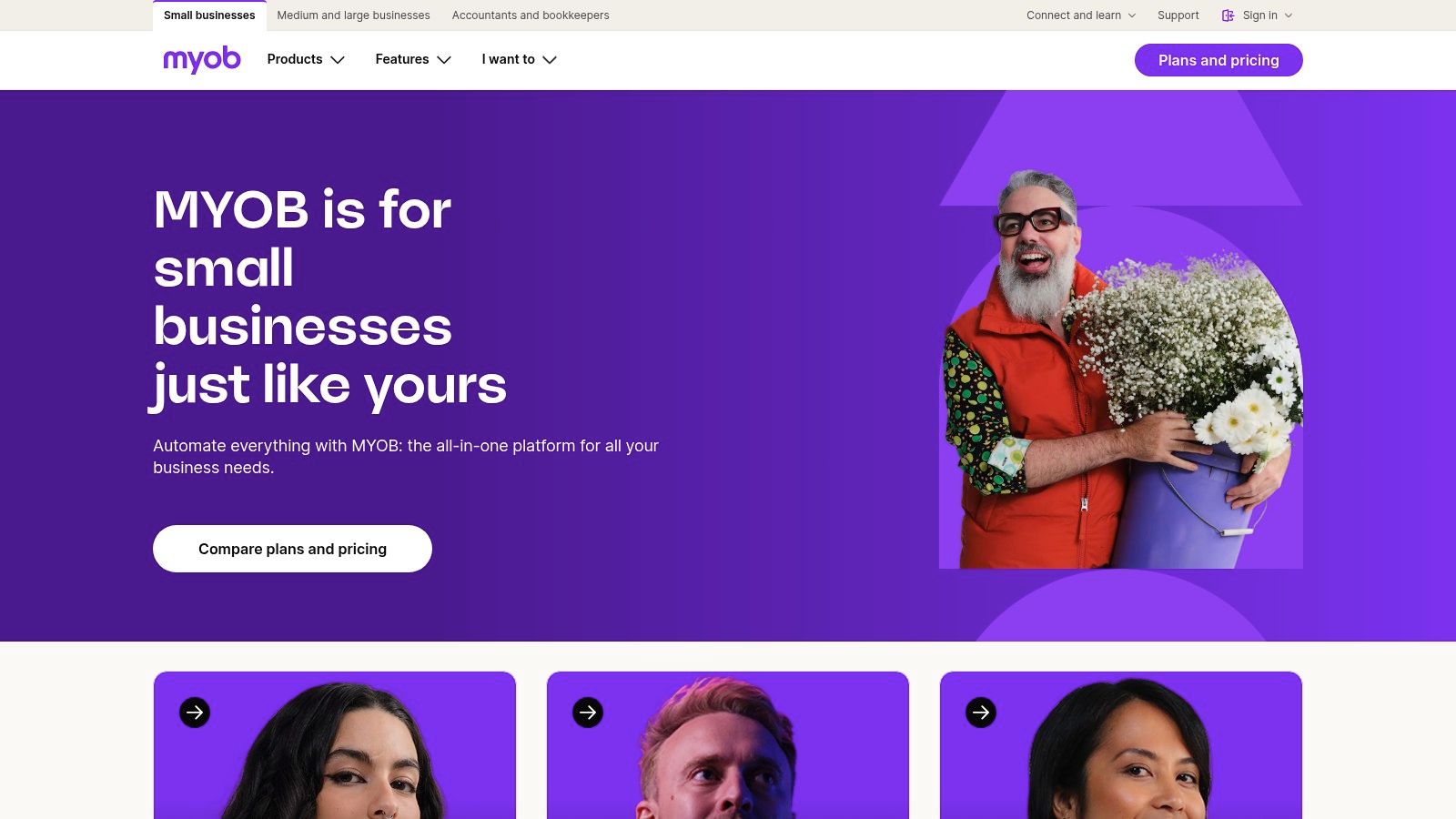
The platform is deeply integrated with New Zealand's compliance framework, providing features for GST tracking and direct reporting to the Inland Revenue (IRD). Its core offering includes unlimited invoicing and bank feeds, simplifying day-to-day financial management. The optional payroll add-on is a significant benefit for businesses with employees, handling local tax and leave requirements seamlessly.
Key Features & Pricing
| Feature | MYOB Business Lite ($15/month) | MYOB Business Pro ($30/month) | AccountRight Plus (from $70/month) |
|---|---|---|---|
| Invoices & Quotes | Unlimited | Unlimited | Unlimited |
| Bank Feeds | Up to 2 accounts | Unlimited | Unlimited |
| GST Returns | Yes | Yes | Yes |
| Inventory Management | No | No | Yes |
| Add-ons Available | Payroll, Online Payments | Payroll, Online Payments | Payroll, Online Payments |
Pros:
- Local Compliance: Built for NZ tax laws with strong IRD reporting capabilities.
- Scalable Solution: Offers a clear upgrade path from a simple cloud product to a powerful hybrid desktop/cloud system.
- Established Presence: Well-supported by a large network of Kiwi bookkeepers and accountants.
Cons:
- Tiered Complexity: Advanced features like inventory are only in the more expensive AccountRight plans.
- Additional Costs: Key functions like payroll and invoice payments are paid add-ons that increase the monthly subscription fee.
Automating workflows between MYOB and other business tools can significantly boost efficiency. To explore how this can be achieved, read about streamlining your operations with automation services.
3. QuickBooks Online (AU/NZ)
QuickBooks Online is a global powerhouse in cloud accounting, offering a robust and feature-rich platform for businesses in Australia and New Zealand. Its strength lies in its comprehensive bookkeeping tools, from customisable invoicing and expense tracking to detailed financial reporting. This makes it a strong candidate for the best accounting software for small business for those needing deep financial insights and a mature, well-supported product.
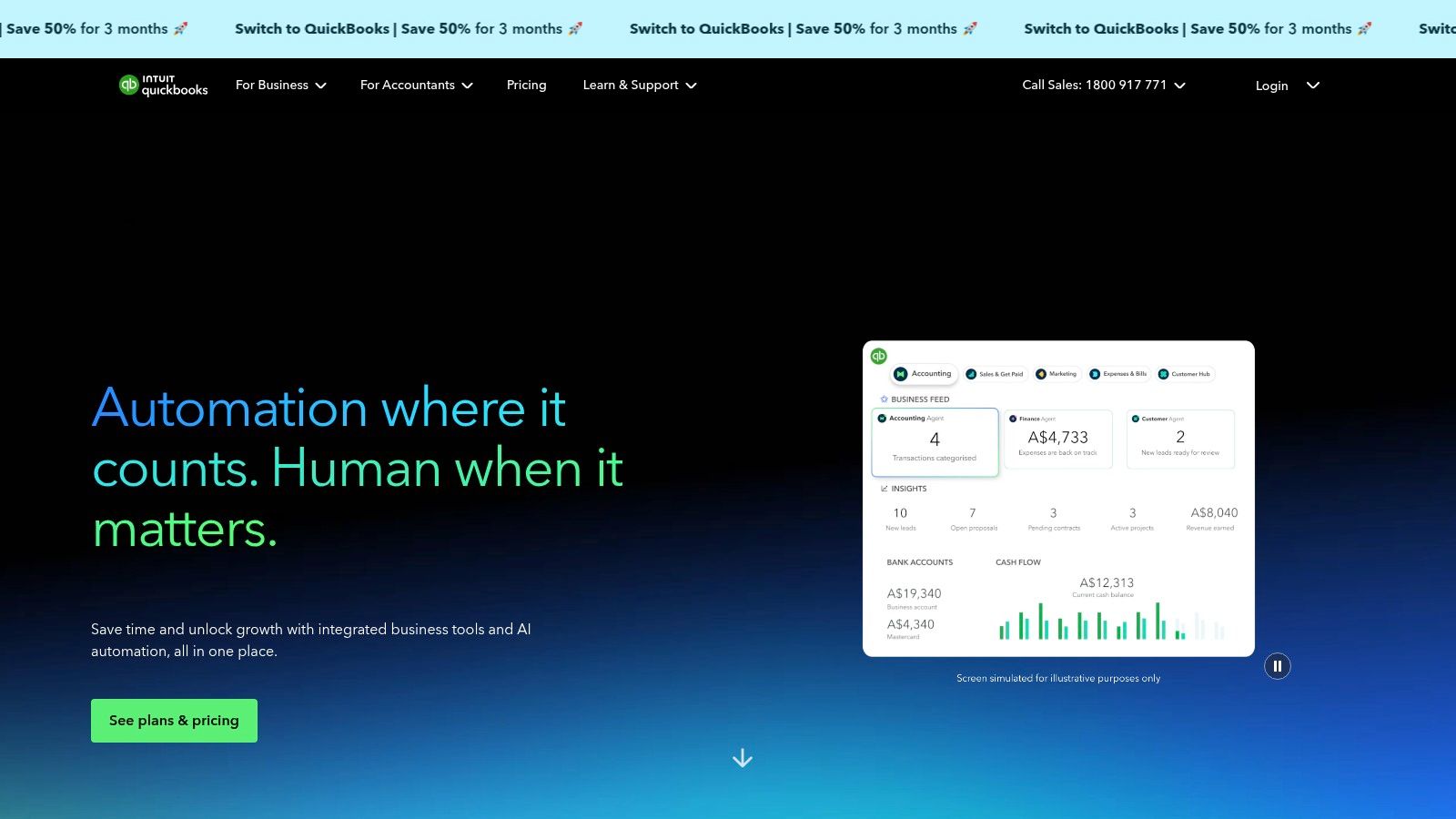
The platform is renowned for its intuitive dashboards and powerful mobile apps, allowing business owners to manage finances on the go. With a vast app marketplace, it integrates seamlessly with hundreds of other business tools, creating a connected ecosystem. Kiwi businesses should note that they typically use the Australian site, so it's vital to confirm NZ-specific tax and payroll functionalities meet their needs before committing.
Key Features & Pricing
| Feature | Simple Start (AUD $30/month) | Essentials (AUD $45/month) | Plus (AUD $60/month) |
|---|---|---|---|
| Invoices & Quotes | Yes | Yes | Yes |
| GST Tracking | Yes | Yes | Yes |
| Manage Bills & Payments | No | Yes | Yes |
| Track Inventory | No | No | Yes |
| Users | 1 User | Up to 3 Users | Up to 5 Users |
Pros:
- Mature Product: A well-documented platform with extensive support resources and tutorials.
- Broad Ecosystem: Integrates with a massive range of third-party applications.
- Scalable: Features and user limits grow with your business across different plans.
Cons:
- AUD Pricing: Subscription fees are in Australian dollars, which can fluctuate.
- NZ Compliance: Users must verify that GST and payroll workflows align with IRD requirements.
4. Reckon (NZ)
Reckon provides another strong local option for the best accounting software for small business in New Zealand, with a particular focus on cost-effectiveness and transparency. The platform, Reckon One, is designed to meet NZ compliance needs, handling GST, invoicing, and bank feeds with ease. It stands out by offering clear, side-by-side comparisons against competitors on its website, helping cost-sensitive businesses make an informed choice.
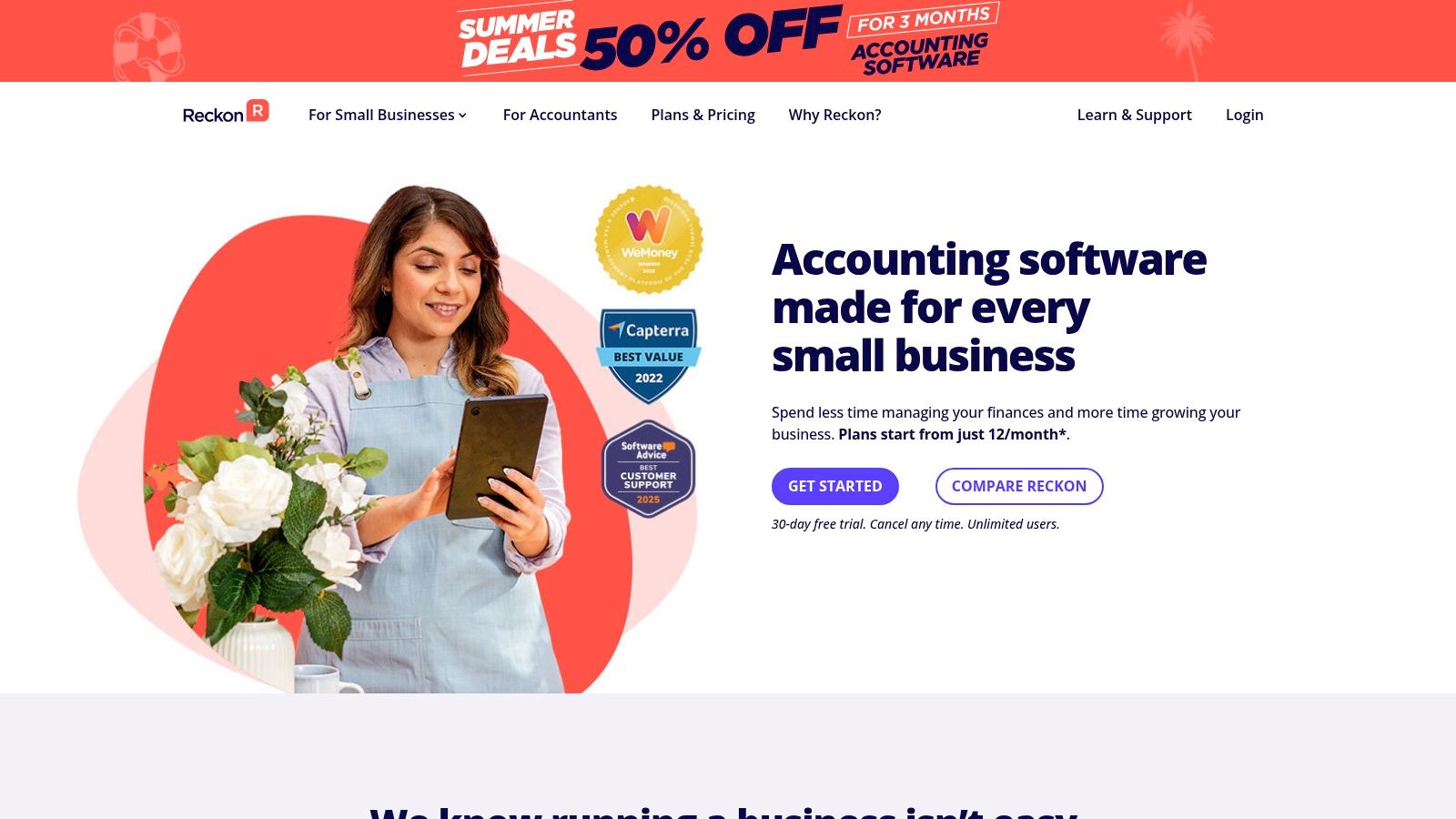
The software's modular approach allows businesses to build a customised solution by adding only the features they need, such as payroll or projects, preventing overspending on unused functionality. Reckon also supports unlimited users on many of its plans and frequently offers free data migration services, making the switch from other platforms more accessible for small businesses.
Key Features & Pricing
| Feature | Basics Plan ($12/month) | Essentials Plan ($20/month) | Premium Plan ($32/month) |
|---|---|---|---|
| Invoicing & Bills | Send 25 invoices | Unlimited | Unlimited |
| Bank Reconciliation | Yes | Yes | Yes |
| GST Returns | Yes | Yes | Yes |
| User Access | Unlimited | Unlimited | Unlimited |
| Add-ons Available | Payroll, Time, Projects | Payroll, Time, Projects | Payroll, Time, Projects |
Pros:
- Cost-Effective: Highly competitive entry-level pricing with a modular, pay-for-what-you-need structure.
- NZ-Focused: Tailored for local tax compliance and business practices.
- Transparent: Provides direct feature and price comparisons against major competitors.
Cons:
- Basic Inventory: Advanced inventory management may require a more powerful solution.
- Marketing Comparisons: While helpful, vendor comparisons are marketing-led; always verify features meet your specific needs.
5. Sage Accounting (Sage Business Cloud)
Sage is an established global player offering a tiered cloud solution that makes it a viable contender for the best accounting software for small business looking for a scalable platform. Sage Accounting provides robust core bookkeeping, invoicing, and bank feed capabilities, allowing businesses to start small and expand their functionality as they grow. Its strength lies in its upgrade path, connecting small businesses to more powerful enterprise solutions like Sage Intacct if needed.
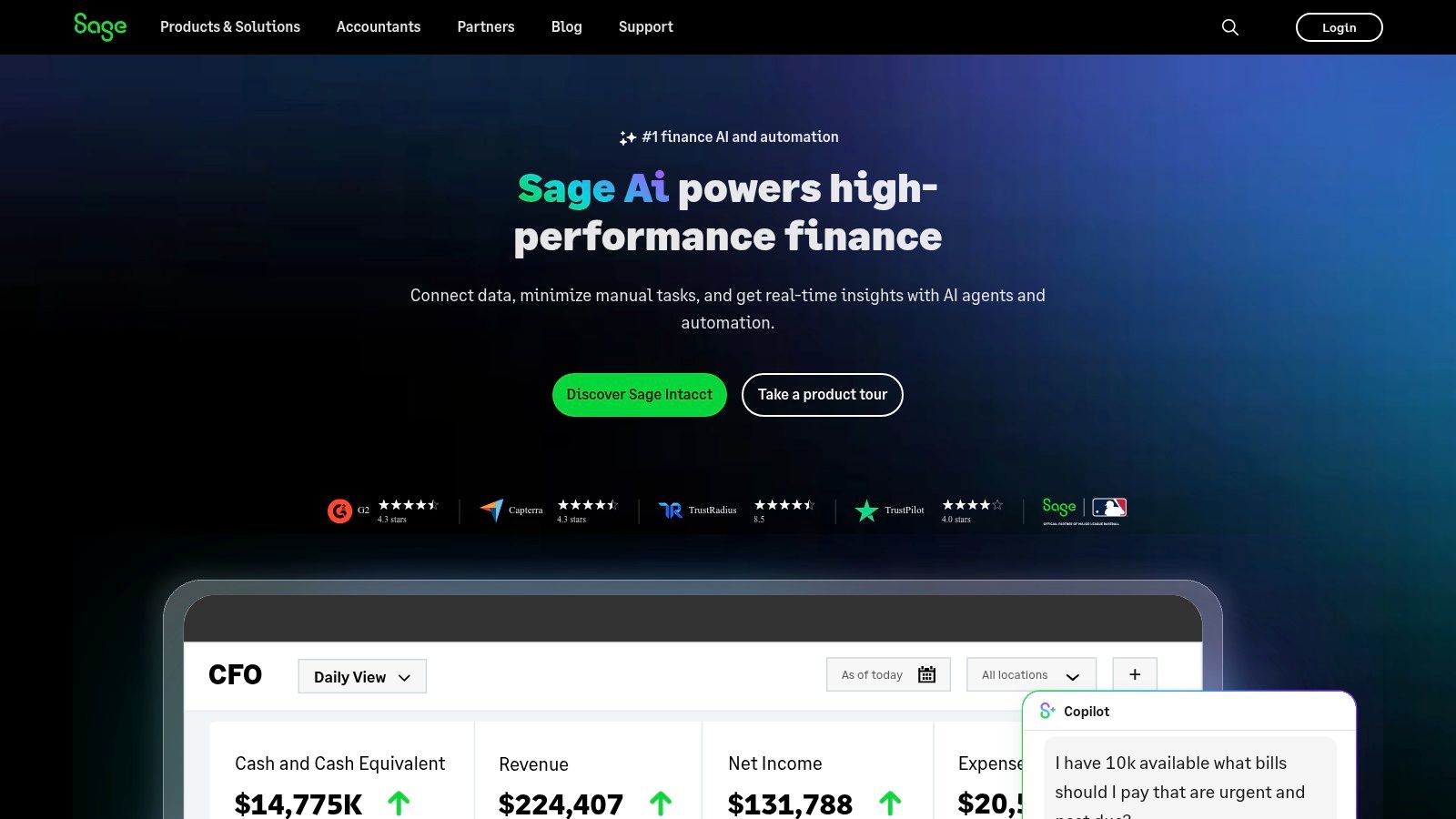
The platform is designed for straightforward financial management, with higher-tier plans introducing valuable features like cash flow forecasting and customisable reporting. While it offers a solid feature set, it’s crucial for Kiwi businesses to verify the NZ-specific availability of features like integrated payroll and local payment gateways, as these can vary by region.
Key Features & Pricing
| Feature | Accounting Start (from ~$16/month) | Accounting Standard (from ~$28/month) | Accounting Plus (from ~$45/month) |
|---|---|---|---|
| Invoices & Quotes | Unlimited | Unlimited | Unlimited |
| Bank Reconciliation | Yes | Yes | Yes |
| GST Tracking | Yes | Yes | Yes |
| Cash Flow Forecasts | No | Yes | Yes |
| Multi-currency | No | No | Yes |
Pros:
- Scalable Pathway: Offers clear upgrade options to more advanced Sage products as your business grows.
- Global Brand: Backed by a well-established, reputable global software company.
- Tiered Options: Provides distinct plans to suit businesses at different stages of development.
Cons:
- Regional Parity: NZ-specific features and pricing can be less clear compared to local competitors.
- Fewer Local Resources: The ecosystem of local accountants and app integrations is not as extensive as Xero or MYOB in New Zealand.
6. FreshBooks
FreshBooks carves out a niche as the best accounting software for small business owners who are service-based, such as freelancers, consultants, and creative agencies. Its core strength lies in its exceptionally user-friendly interface, which simplifies invoicing, time tracking, and expense management. The platform is designed to make client billing and project management seamless, helping you understand project profitability with ease.
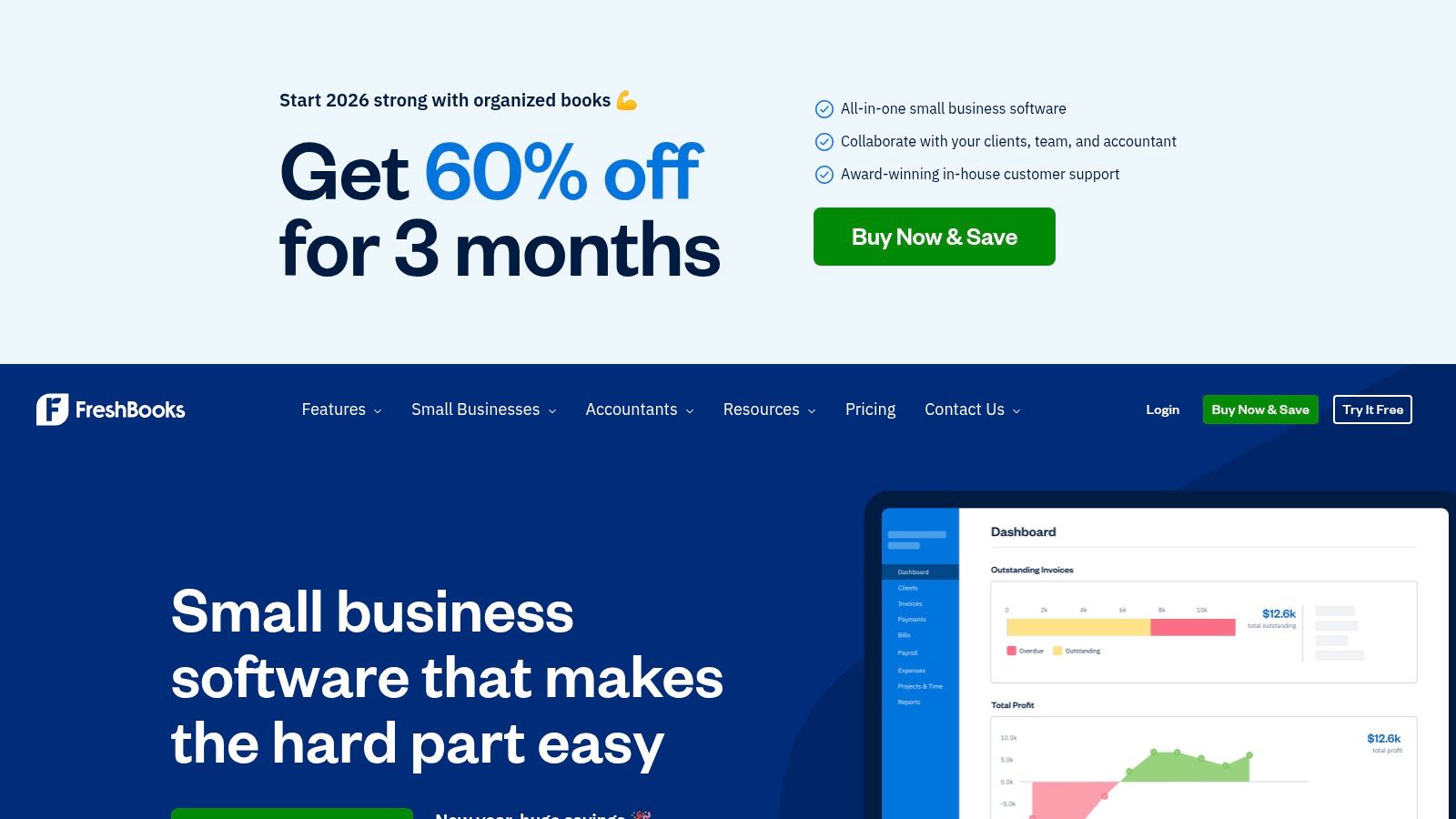
The platform excels at creating professional-looking invoices that can be customised and automated for recurring clients. Its time tracking tools integrate directly into projects, allowing for accurate billing and insightful reports on where your team’s hours are going. For businesses that prioritise a simple, client-centric workflow over complex inventory or payroll features, FreshBooks is a standout choice.
Key Features & Pricing
| Feature | Lite Plan (USD $19/month) | Plus Plan (USD $33/month) | Premium Plan (USD $60/month) |
|---|---|---|---|
| Billable Clients | 5 | 50 | Unlimited |
| Invoicing | Unlimited | Unlimited | Unlimited |
| Expense Tracking | Yes | Yes | Yes |
| Time Tracking | Yes | Yes | Yes |
| Project Profitability | No | No | Yes |
Pros:
- Intuitive Design: Extremely easy to learn and navigate, ideal for those without an accounting background.
- Excellent Invoicing: Powerful and customisable invoicing features designed for service professionals.
- Strong Support: Known for its responsive and helpful customer service team.
Cons:
- US-Centric: Pricing is in USD, and some terminology is geared towards the North American market.
- Limited NZ GST Workflow: While you can manage tax, it lacks a dedicated, automated workflow for IRD e-filing.
- Scalability: Less suitable for businesses with complex inventory or advanced accounting needs.
7. Zoho Books
Zoho Books offers a comprehensive accounting solution that provides exceptional value, particularly for businesses already embedded in the Zoho ecosystem. It stands out as one of the best accounting software for small business options by combining core accounting functions like invoicing and expense tracking with advanced features such as workflow automation, project management, and inventory control on its higher-tier plans.
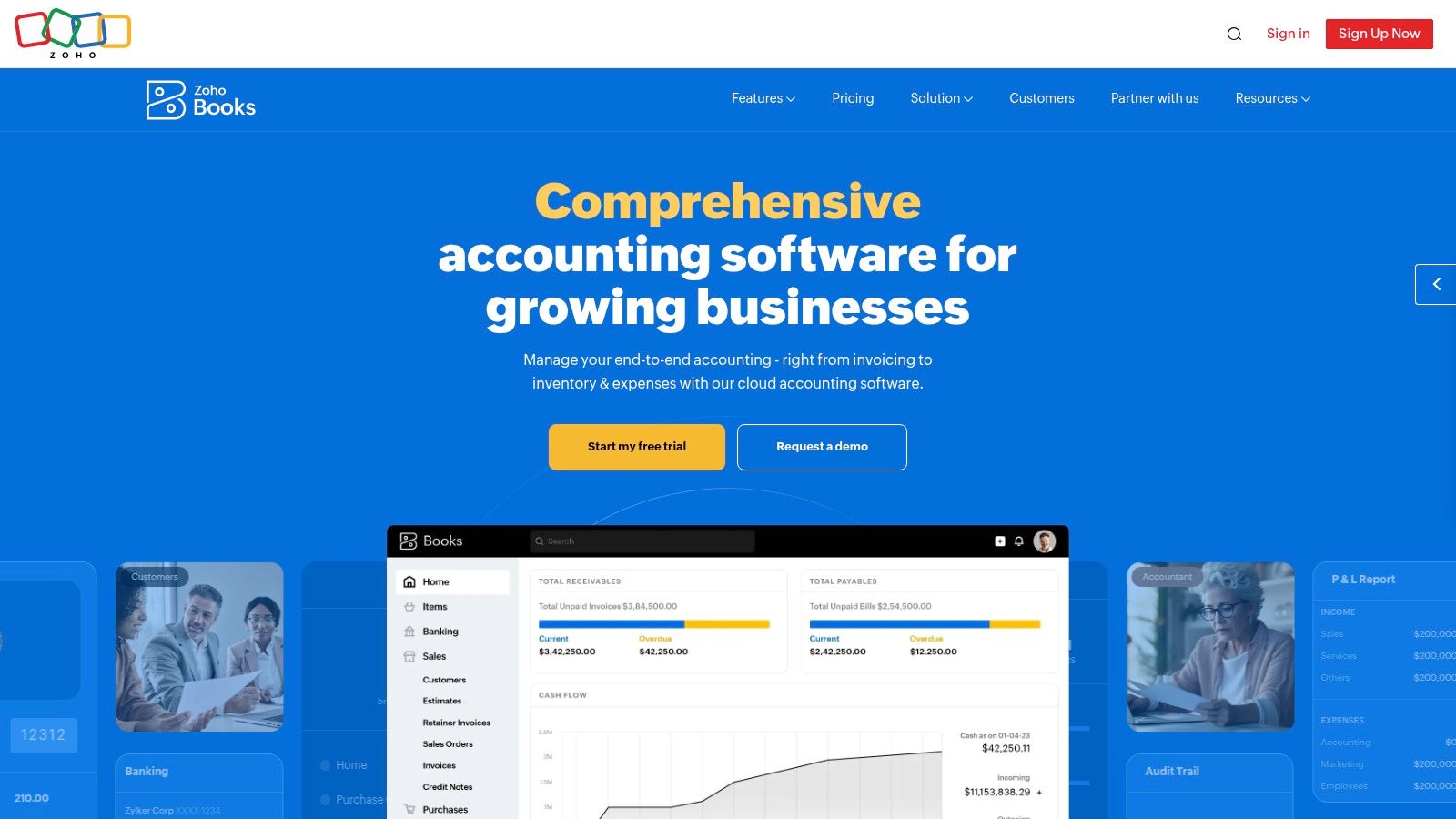
The platform's strength lies in its customisation and automation capabilities. Users can create custom rules to categorise transactions, automate recurring invoices and payment reminders, and build complex workflows to streamline financial processes. While its GST return features are robust, Kiwi businesses should confirm the outputs align perfectly with IRD requirements, as some initial configuration may be needed for localised compliance.
Key Features & Pricing
| Feature | Free Plan | Standard Plan ($20/month) | Professional Plan ($50/month) |
|---|---|---|---|
| Users | 1 user + 1 accountant | 3 users | 5 users |
| Invoices | Up to 1000/year | 5000/year | Unlimited |
| Workflow Automation | No | 10 rules | 10 rules |
| Inventory Tracking | No | No | Yes |
| API Access | Yes | Yes | Yes |
Pros:
- Strong Value: Offers an extensive feature set, including a free tier, at a competitive price.
- Deep Integration: Seamlessly connects with the broader suite of Zoho applications (CRM, Projects).
- Customisation: Powerful automation and workflow rules allow for highly tailored financial management.
Cons:
- NZ-Specific Setup: May require manual configuration to perfectly match local GST filing workflows.
- Learning Curve: The sheer number of features can feel overwhelming for complete beginners.
For businesses looking to integrate Zoho Books with other operational tools like monday.com, our custom integration services can help create a unified system.
8. Wave Accounting
Wave offers a unique proposition in the market as genuinely free accounting software, making it a highly attractive option for freelancers, sole traders, and startups on a tight budget. Its core offering includes unlimited invoicing, expense tracking, and financial reporting at no cost, which is a significant differentiator. For businesses just starting out, this removes a major financial barrier to professional bookkeeping.
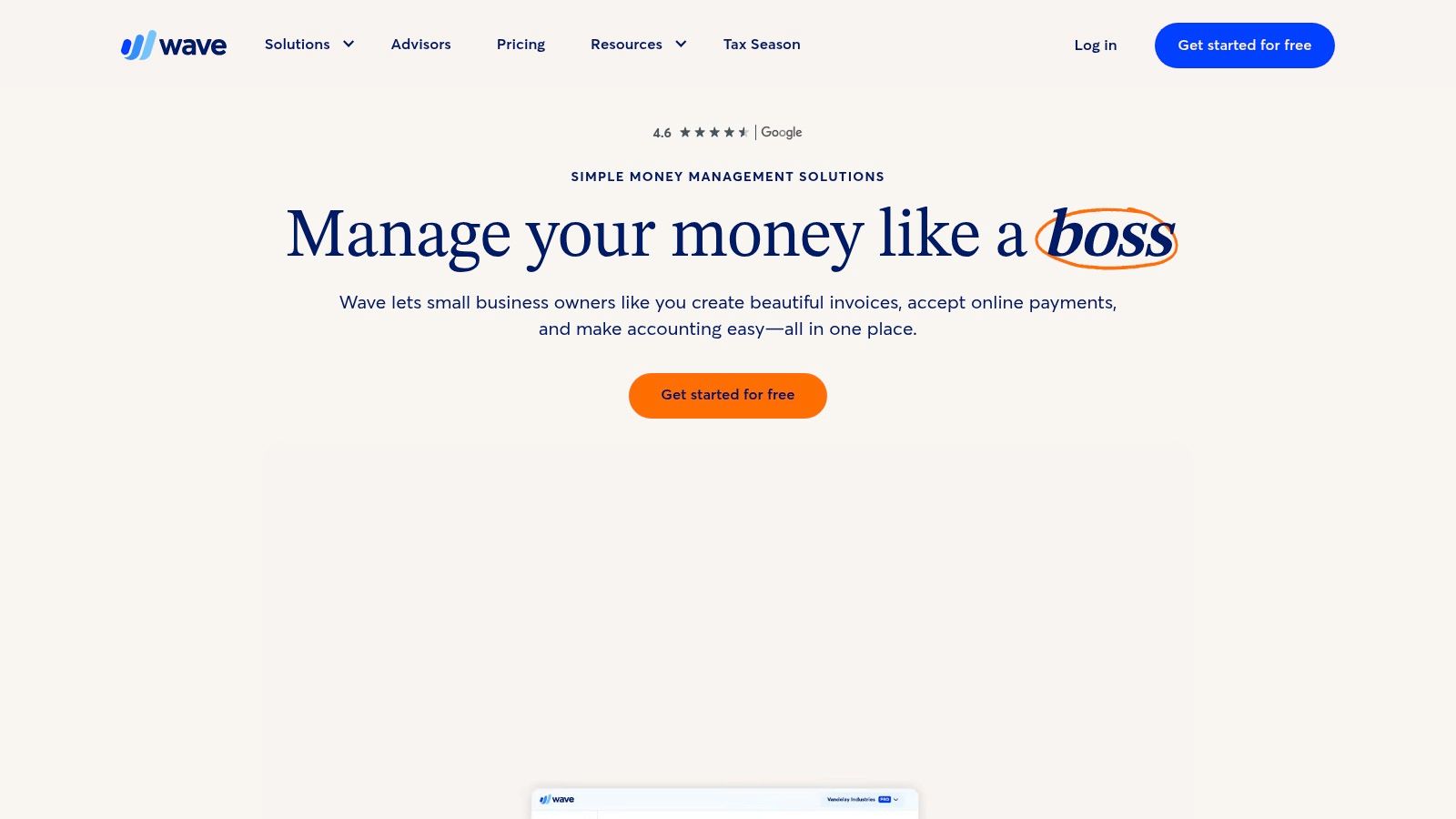
The platform is designed for simplicity, allowing users without an accounting background to manage their finances effectively. However, for Kiwi businesses, there's a critical consideration: automatic bank feeds are only supported for US and Canadian accounts. This means NZ users must manually upload bank statements, which can be a significant drawback for those seeking automation. Despite this, its no-cost model for core features makes it a contender for the best accounting software for small business when budget is the primary concern.
Key Features & Pricing
| Feature | Free Plan ($0/month) | Pro Plan (~$24 NZD/month) |
|---|---|---|
| Invoicing & Payments | Unlimited (transaction fees apply) | Unlimited (transaction fees apply) |
| Bank Reconciliation | Manual CSV upload | Automated where available |
| Receipt Scanning | Mobile app, unlimited | Mobile app, unlimited |
| User Permissions | No | Yes, customisable roles |
| Live Support | No | Chat and email support |
Pros:
- Completely Free: Core accounting, invoicing, and receipt scanning are free of charge.
- User-Friendly Interface: Very easy to learn and navigate, ideal for beginners.
- Unlimited Invoicing: No limits on the number of invoices you can send.
Cons:
- No NZ Bank Feeds: Lacks automatic bank reconciliation for New Zealand banks.
- Limited Integrations: Fewer direct integrations compared to competitors.
- Scalability Issues: May not be suitable as a business grows and requires more complex features.
9. Xero App Store (NZ)
While not a standalone accounting platform, the Xero App Store is an essential resource that transforms Xero into a truly customised solution, making it a critical component when considering the best accounting software for small business. This NZ-localised marketplace allows businesses to build a bespoke tech stack by connecting over 1,000 specialised applications directly to their Xero account. It serves as a central hub to find, trial, and integrate tools for everything from inventory management and CRM to advanced reporting and job costing.
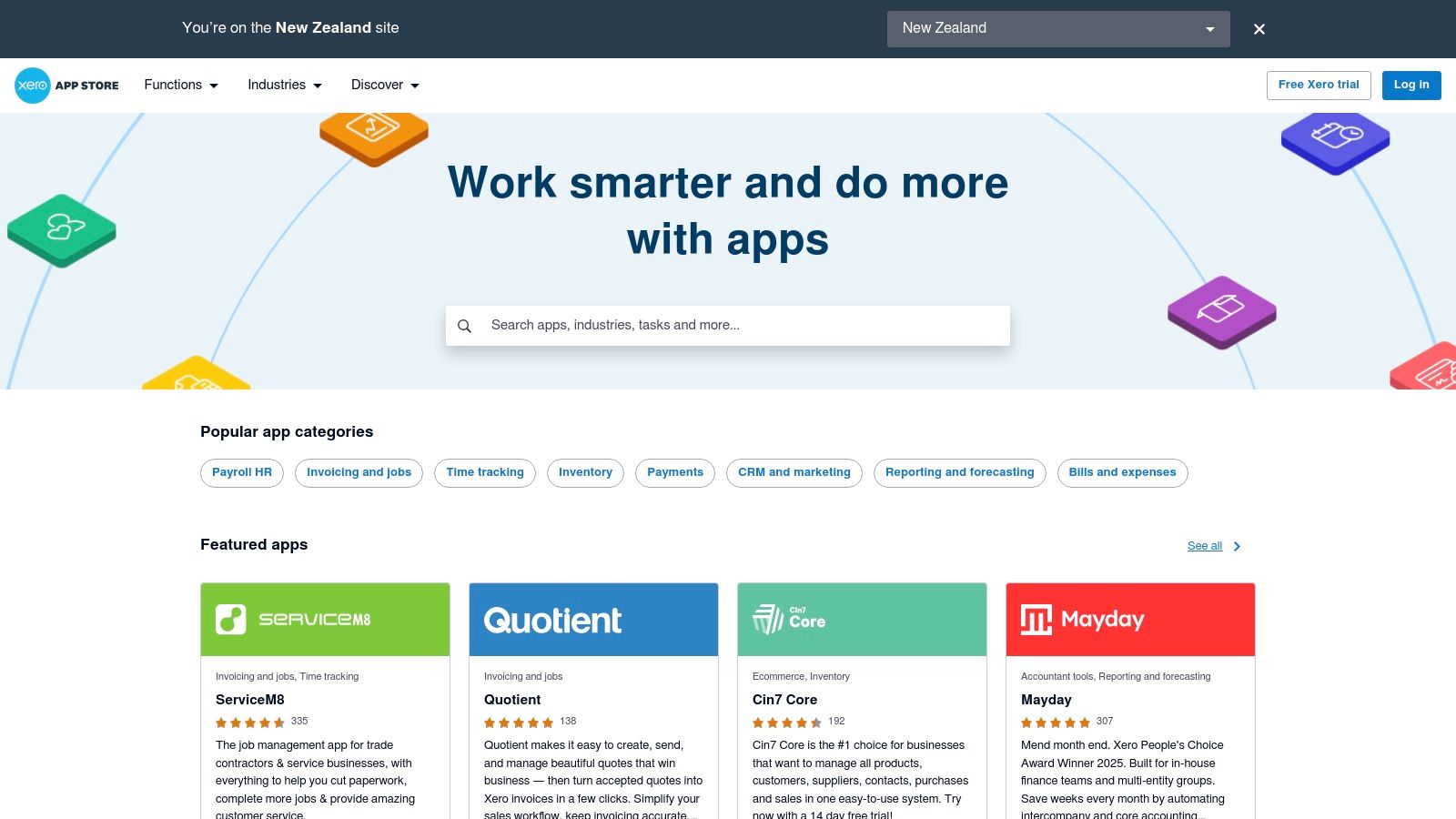
The platform is organised to help Kiwi businesses discover relevant tools, featuring curated collections, user reviews, and NZ-specific award winners. This ecosystem approach means you aren't limited by Xero's native features; instead, you can select best-in-class apps like monday.com for project management or specialised e-commerce tools, ensuring your software scales precisely with your operational needs.
Key Features & Value
| Feature | Description |
|---|---|
| Discoverability | Filter apps by function, industry, or region; includes user ratings and detailed reviews. |
| Integration | Apps connect directly to Xero, automating data flow and reducing manual entry. |
| NZ Focus | Highlights apps popular in New Zealand or built specifically for local business needs. |
| Free Trials | Most applications offer a trial period, allowing you to test functionality before committing. |
Pros:
- Ultimate Customisation: Tailor your accounting system with best-of-breed tools for specific functions.
- Regional Relevance: Strong focus on add-ons that are popular or built for the NZ market.
- Transparent Vetting: User reviews and ratings provide social proof to help guide selection.
Cons:
- Accumulating Costs: Relying on multiple paid add-ons can significantly increase monthly software expenses.
- Variable Quality: The quality and support level can differ greatly between third-party app developers.
10. Capterra New Zealand
While not a software itself, Capterra's New Zealand portal is an indispensable resource for finding the best accounting software for small business. It acts as a comprehensive, neutral aggregator, allowing you to compare hundreds of accounting platforms side-by-side. For businesses unsure where to begin, it provides a structured way to discover and evaluate options based on specific needs, company size, and industry.
The platform’s real value lies in its verified user reviews and powerful filtering tools. You can narrow down choices by features crucial to Kiwi businesses, such as GST compliance or payroll integration, and then read firsthand experiences from other NZ users. This peer-reviewed insight is invaluable for validating marketing claims and understanding a platform's real-world performance before committing.
Key Features & Pricing
| Feature | Cost to Use | Account Needed? | Direct Purchase? |
|---|---|---|---|
| Software Directory | Free | No | No (Links to vendor) |
| Comparison Tool | Free | No | No (Links to vendor) |
| Verified User Reviews | Free | No | No (Links to vendor) |
| Buyer Guides | Free | No | No (Links to vendor) |
| Vendor Shortlisting | Free | Yes (Optional) | No (Links to vendor) |
Pros:
- Neutral Aggregation: A one-stop-shop to compare a vast range of software without vendor bias.
- NZ-Specific Reviews: Provides localised context and feedback from Kiwi business owners.
- Powerful Filtering: Easily shortlist platforms based on essential features and pricing.
Cons:
- Sponsored Placements: Be aware that some listings are promoted and appear higher in results.
- Data Validation: Always verify features and pricing on the official vendor website, as Capterra's data can sometimes lag.
Using a tool like Capterra helps ensure the software you choose can connect with other critical business systems. To explore how to connect your final choice with platforms like monday.com, learn more about our platform integration services.
11. GetApp New Zealand
For businesses with unique requirements, GetApp serves as a comprehensive discovery platform rather than a single software solution. It’s an invaluable resource for finding the best accounting software for small business when off-the-shelf options don't quite fit. The platform catalogues over 500 accounting applications, allowing Kiwi businesses to filter and compare tools based on specific features, industry, and user ratings. This makes it ideal for discovering niche or vertical-specific solutions that may not have widespread marketing.
The strength of GetApp lies in its robust comparison tools and verified user reviews, which provide authentic insights into a software's real-world performance. You can compare up to four applications side-by-side, evaluating everything from feature sets to pricing models. Direct links to vendor websites for free trials or purchases streamline the final selection process, making it a powerful research starting point.
Key Features & Pricing
| Feature | Details | Pricing |
|---|---|---|
| Software Directory | 500+ accounting apps listed | Free to Use |
| Comparison Tools | Side-by-side feature and rating comparisons | Free to Use |
| User Reviews | Verified user ratings and detailed feedback | Free to Use |
| Filtering Options | Filter by business size, industry, and specific features | Free to Use |
| Direct Vendor Links | Links to sign up for trials or purchase software | Free to Use |
Pros:
- Vast Catalogue: An extensive list of software provides options for any niche.
- Powerful Comparison: Robust filtering and comparison tools simplify research.
- Authentic Reviews: User-generated ratings offer honest, practical feedback.
Cons:
- Sponsored Listings: Be aware of sponsored profiles which may appear more prominently.
- NZ Focus Varies: Not all listed software is optimised for New Zealand's tax laws; due diligence is required.
To use GetApp effectively, start with a clear list of must-have features. Utilise the filters to narrow down the options, then create a shortlist to compare. Always check if the top contenders are fully compliant with IRD requirements before committing.
12. G2 (Accounting Software category)
While not a software itself, G2’s accounting category is an indispensable research hub for any small business owner vetting their options. It aggregates thousands of verified user reviews, providing a real-world perspective that marketing materials often lack. This makes it an essential stop when searching for the best accounting software for small business, allowing you to validate claims and uncover potential issues before you commit.
The platform's strength lies in its powerful filtering tools. You can narrow down reviews based on company size, user role, and industry, ensuring the feedback you read is relevant to your specific business context. The "G2 Grid" visualises market leaders and high-performers, offering a quick overview of the competitive landscape. This data-driven approach helps you compare alternatives side-by-side based on user satisfaction and market presence.
Key Features & Pricing
| Feature | Description | Pricing Model |
|---|---|---|
| Verified User Reviews | Authentic feedback from real software users. | Free to Access |
| Comparison Grids | Visual tools to compare software on satisfaction and market presence. | Free to Access |
| Advanced Filtering | Sort reviews by company size, industry, and region. | Free to Access |
| Alternatives Analysis | Suggests and compares similar products to your primary choice. | Free to Access |
| Vendor Information | Direct links to vendor websites for trials and purchases. | Free to Access |
Pros:
- Real-World Insight: Access to honest, unfiltered feedback from actual users.
- Powerful Comparison: Easily compare features, satisfaction scores, and market leaders.
- Highly Relevant: Filters ensure you see reviews from businesses similar to yours.
Cons:
- Global Focus: NZ-specific features like IRD integration may not be heavily featured in reviews.
- US-Centric Bias: The most popular and reviewed tools are often geared towards the US market.
For a deeper dive into the category and to start your own comparison, visit the official page at https://www.g2.com/categories/accounting.
Top 12 Small-Business Accounting Software Comparison
| Product | Core features ✨ | UX & Quality ★🏆 | Value & Pricing 💰 | Target audience 👥 | Key USP ✨ |
|---|---|---|---|---|---|
| Xero (NZ) | NZ GST & e‑filing, bank feeds, payroll add‑ons, mobile | ★★★★☆ — strong local support 🏆 | Mid monthly subscription; add‑ons extra 💰 | NZ SMEs & accountants 👥 | NZ‑first ecosystem + 1,000+ apps ✨ |
| MYOB Business (NZ) | NZ GST, invoicing, bank feeds, optional payroll, AccountRight hybrid | ★★★★ — deep AU/NZ compliance 🏆 | Mid–high; add‑ons (payroll/payments) raise cost 💰 | Growing businesses, desktop users 👥 | Desktop ↔ cloud hybrid + local presence ✨ |
| QuickBooks Online (AU/NZ) | Cloud bookkeeping, invoices, mobile apps, app marketplace | ★★★★ — mature docs & support | Mid; pricing in AUD — confirm NZ tax gaps 💰 | Small businesses & bookkeepers 👥 | Large marketplace & onboarding support ✨ |
| Reckon (NZ) | NZ GST reporting, invoicing, unlimited users, optional payroll | ★★★☆ — phone support, 30‑day trial | Entry/competitive pricing; transparent tiers 💰 | Cost‑sensitive NZ SMEs 👥 | NZ focus with clear feature comparisons ✨ |
| Sage Accounting | Core bookkeeping, invoicing, bank feeds; forecasting on higher tiers | ★★★ — global vendor, tiered upgrades | Variable pricing; confirm NZ availability 💰 | Businesses seeking global vendor & growth 👥 | Upgrade paths to Sage 50 / Intacct ✨ |
| FreshBooks | Client invoicing, time tracking, expenses, mobile | ★★★★ — very easy to use; responsive support 🏆 | Mid; USD/EUR pricing; check NZ tax handling 💰 | Service businesses & freelancers 👥 | Client‑friendly invoicing + project time tracking ✨ |
| Zoho Books | Invoicing, expenses, projects, automation, API, multi‑tier (free avail) | ★★★★ — highly customizable | Strong feature value; free tier available 💰 | SMBs, Zoho ecosystem users 👥 | Extensive automation & native Zoho integrations ✨ |
| Wave Accounting | Free bookkeeping & invoicing, manual imports, optional Pro | ★★★ — simple UX for sole traders | Free core product; paid add‑ons for automation 💰 | Sole traders & cost‑sensitive users 👥 | Zero‑cost entry for basic accounting ✨ |
| Xero App Store (NZ) | NZ storefront of 1,000+ apps, ratings, guides | ★★★★ — curated NZ collections | App pricing varies; multiple add‑ons add cost 💰 | Xero customers building best‑of‑breed stacks 👥 | NZ‑localised app discovery & reviews 🏆✨ |
| Capterra New Zealand | NZ directory, reviews, filters, side‑by‑side tools | ★★★★ — neutral aggregation | Free to use; vendor links to trials 💰 | Buyers researching software options 👥 | NZ‑specific listings & buyer resources ✨ |
| GetApp New Zealand | 500+ accounting apps, filters, screenshots, user ratings | ★★★★ — broad catalogue & comparisons | Free; good for niche discovery 💰 | Buyers seeking wide app catalog 👥 | Large catalog + robust filters for discovery ✨ |
| G2 (Accounting category) | Live rankings, verified reviews, feature filters | ★★★★★ — active, recent verified reviews 🏆 | Free research; global focus — verify NZ specifics 💰 | Buyers validating sentiment & shortlisting 👥 | Verified reviews + category grids & momentum insights ✨ |
Building a Smarter Financial Future
Navigating the landscape of financial management tools can feel overwhelming, but making an informed choice is a crucial step toward securing your business's long-term stability and growth. We've explored a wide range of options, from local Kiwi powerhouses like Xero and MYOB Business to global leaders like QuickBooks Online and Sage Accounting. Each platform presents a unique combination of features, pricing, and scalability designed to meet different business needs. The key takeaway is that there is no single "best" solution; the right choice is entirely dependent on your specific operational requirements, industry, and future ambitions.
Your journey to finding the best accounting software for your small business starts with a clear understanding of your own processes. Are you a freelancer who primarily needs straightforward invoicing and expense tracking, making a tool like FreshBooks or Wave an ideal, low-cost starting point? Or are you a growing retail business with complex inventory management needs, pointing you towards the more robust ecosystems of Xero or QuickBooks Online? Perhaps your organisation is already leveraging a comprehensive platform like Zoho, in which case Zoho Books offers seamless integration and a unified experience.
Key Considerations Before You Commit
Before finalising your decision, it's vital to revisit your buyer’s checklist and consider the practicalities of implementation. Choosing a platform is only half the battle; integrating it smoothly into your existing workflows is where the real value is realised.
Here are the critical factors to weigh up:
- Scalability: Will this software grow with you? Consider your five-year plan. A solution that feels perfect today might become a bottleneck tomorrow if it lacks advanced features like multi-currency support, project costing, or sophisticated reporting.
- Integration Ecosystem: Modern businesses don't operate in a silo. Your accounting software must connect effortlessly with your other critical tools, especially your CRM, project management software like monday.com, and payment gateways. A rich app marketplace, like the one offered by Xero, provides invaluable flexibility.
- Ease of Use: Who will be using this software daily? Ensure the user interface is intuitive for your team, including those who may not be accounting professionals. A steep learning curve can lead to low adoption rates and costly errors.
- Support and Localisation: When you encounter an issue, particularly with something as critical as your finances, reliable and accessible support is non-negotiable. Prioritise providers with strong local support teams in New Zealand who understand NZ-specific regulations like GST and PAYE.
Taking the Next Steps
Armed with this comprehensive analysis, your path forward should be clearer. Start by shortlisting two or three platforms that align most closely with your core needs. Take full advantage of the free trials they offer. This hands-on experience is the single most effective way to evaluate whether a system’s workflow, interface, and feature set truly fit your business. During this trial period, test real-world scenarios, from creating invoices and running payroll to generating a cash flow statement.
For businesses specifically looking to streamline their vendor payments and invoice management, you might also consider dedicated top accounts payable software for small businesses. These specialised tools can automate the entire accounts payable cycle, reducing manual data entry and minimising the risk of late payment penalties, often integrating directly with the accounting systems we've discussed.
Ultimately, selecting the best accounting software for your small business is a strategic investment in efficiency, clarity, and control. It moves your financial management from a reactive chore to a proactive, data-driven function that empowers you to make smarter decisions, optimise cash flow, and build a more resilient and profitable enterprise for the future.
Ready to elevate your financial strategy beyond just software? At Wisely, we provide Virtual CFO services and strategic guidance to help you leverage your new accounting platform for maximum growth. Let our experts help you turn financial data into actionable insights.
Find out more at Wisely.